
Your AI tools, in one window.
Matrix is a Mac app that holds coding agents, dictation and visual modes in one frame. Install what you need from Marketplace, then type or talk.
Mac with Apple silicon or Intel. Android remote pairs with your Mac. Free while in testing.
Inside Matrix
A frame, a few strong plugins, and nothing you didn't pick.
T3 Code
Run coding agents such as Codex, Claude Code, Cursor and OpenCode from one place, with voice in the prompt box.
ZoneGaze Whispr
Dictation that runs on your Mac. Speak, and the words land where you type.
Talk to Matrix
Press Option+Shift+Space in any app, speak, and a small bubble shows what the assistant hears, says and does.
Marketplace
Install, update and remove plugins and modes. New modes arrive from zonegaze.com without a Matrix update.
Appearance
Theme, colours and density for the whole frame, in Settings › Appearance.
Updates
Settings › Updates checks for new versions of Matrix and every plugin. A failed update keeps the version you had.
Mode packs for T3 Code
When text isn't enough, the answer becomes a card you can work on.
Pick a mode and the agent's reply turns into a live card in the chat. Mark it up, attach it, and the agent edits the same card.
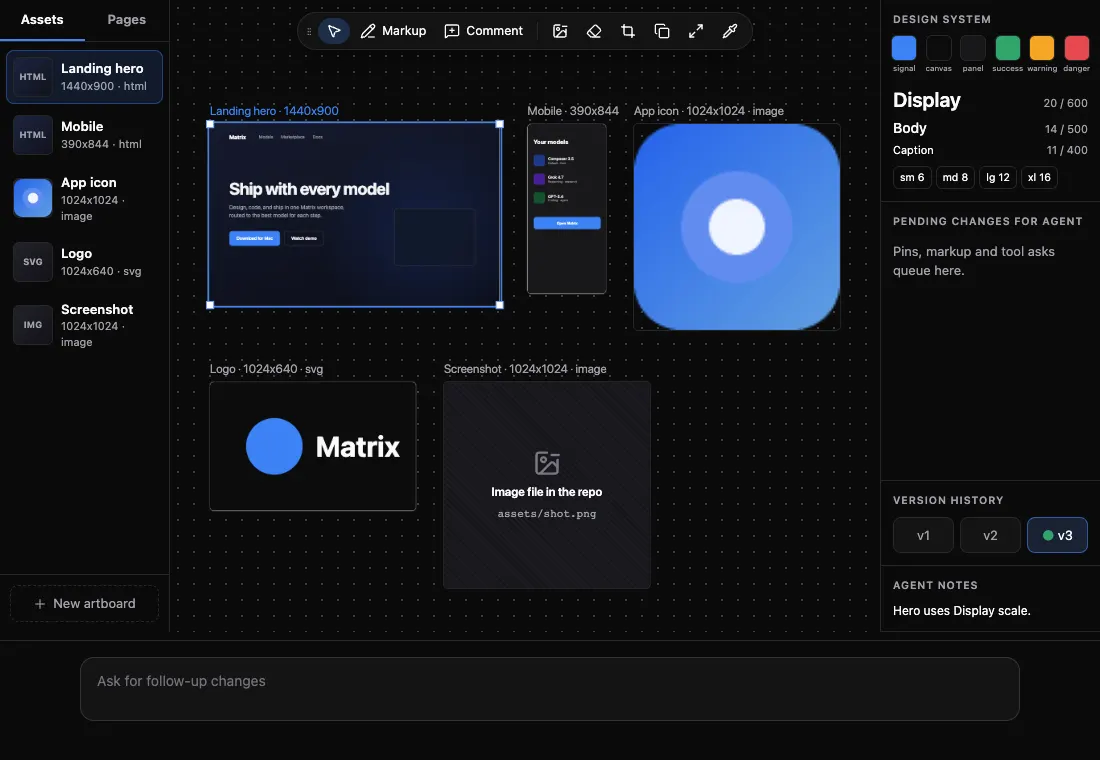
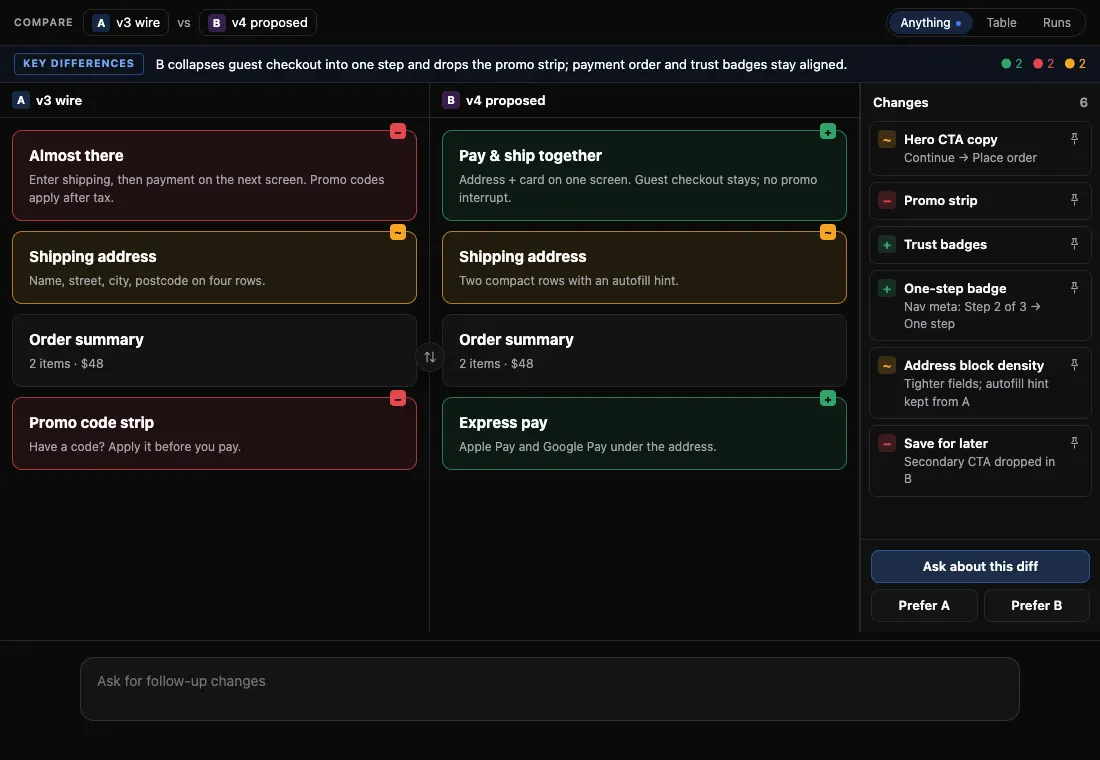
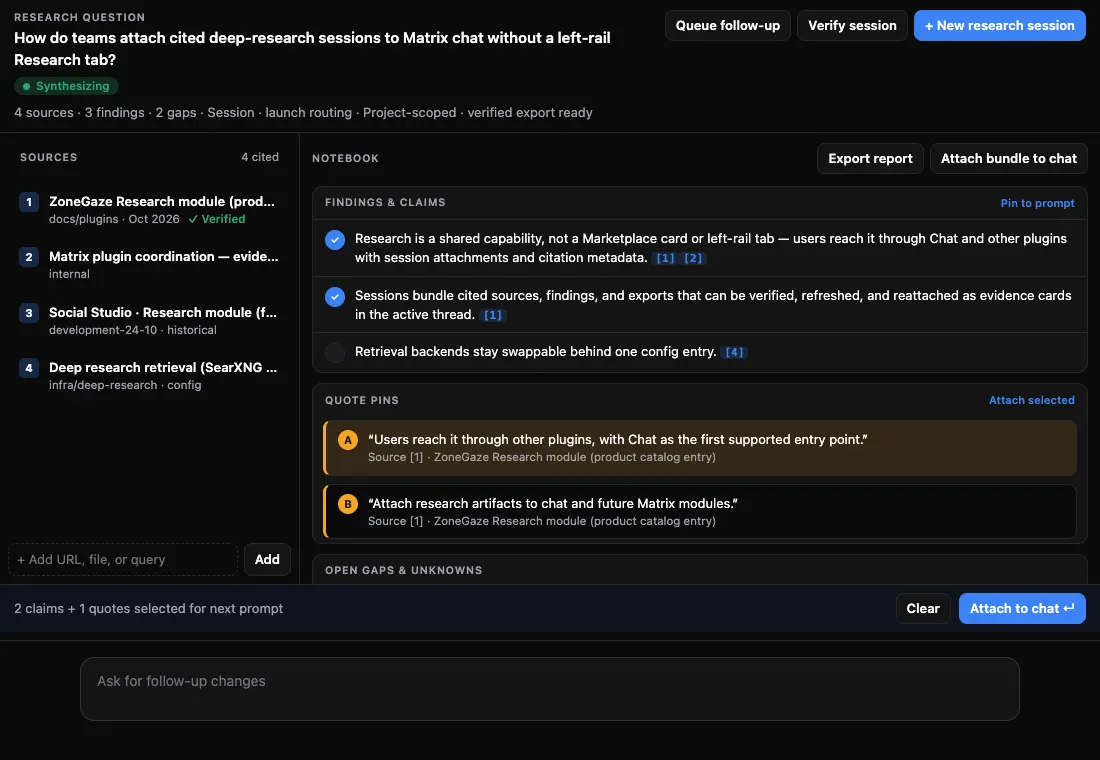
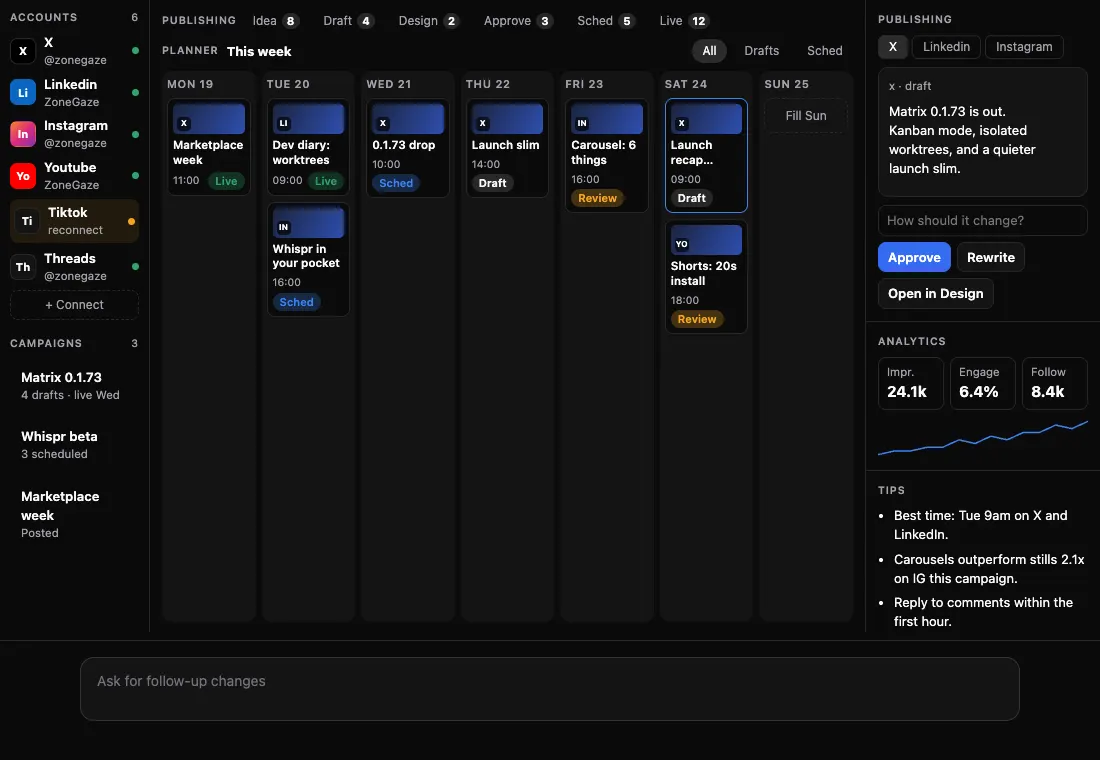
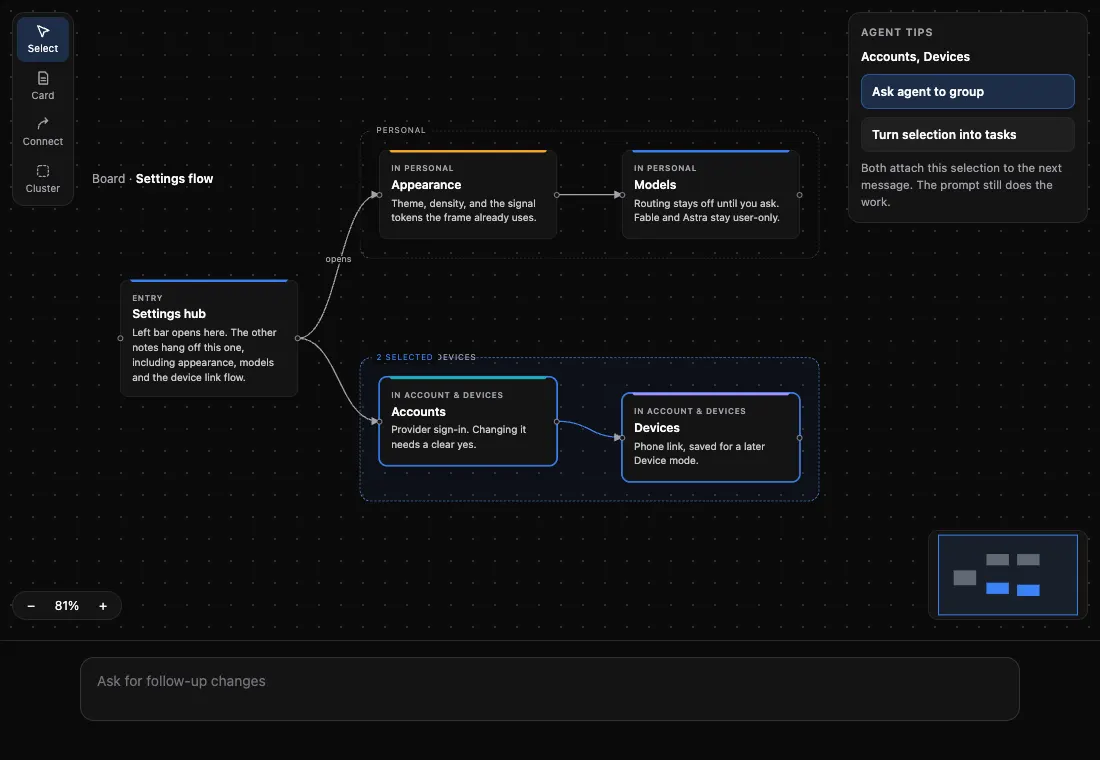
Renders of the built mode packs with sample data.
Get Matrix
One Nightly build for Mac and Android.
Nightly is the only build on this site. It changes often and may break. Each file lists its size and SHA-256 value.
Mac · Apple silicon
ZoneGaze-Matrix-Nightly-0.1.75-arm64.dmg
Mac · Intel
ZoneGaze-Matrix-Nightly-0.1.75-x64.dmg
Android remote · All phones
ZoneGaze-Matrix-remote-Nightly-0.1.75.apk
- Channel
- Nightly · early test build
- Version
- 0.1.75
- Build
- e0159d4f1
- Date
- 25 Oct 2026
- Mac signing
- Not notarized
Mac (Apple silicon and Intel) and the Android remote for all phones
Start in three steps
From download to first thread.
- Install Matrix. Download the Nightly for your Mac. Whispr adds itself on first launch.
- Add what you need. Open Marketplace in the left bar. Install T3 Code, then any modes.
- Work by typing or talking. Start a T3 Code thread, or press Option+Shift+Space in any app and speak.
Where your work goes
On your Mac, unless you send it.
Matrix and its settings live on your Mac. T3 Code drives agent tools you already use, signed in with your own accounts, so prompts go to the provider you chose under their terms.
Whispr can transcribe on the Mac with Apple Speech or a local Whisper model. A cloud key is optional.
What people asked for
Top approved requests.
Requests could not load.
Check your connection and try again.
Loading approved requests…