Matrix Marketplace

Install only what you use.

Matrix downloads these from zonegaze.com. Open Marketplace in the left bar and click Install. Update them all from Settings › Updates.

Get Matrix first
Plugins
2
Modes
5
Price
Free while in testing
Listed for
Matrix Nightly

Plugins

Full tools that open in the main area.

Whispr

Dictation and voice for Matrix

Plugin v0.1.75 7.9 MB

T3 Code

Agent coding runtime for Matrix

  • Uses the agent tools already installed and signed in on your Mac.
  • Threads, a Kanban board, side chat and model routing.
  • Pair phone links the Android remote.
Plugin v0.2.1 35.8 MB

Modes for T3 Code

Live cards inside the chat.

Each mode turns an agent's reply into a card you can mark up, pin or attach to your next message.
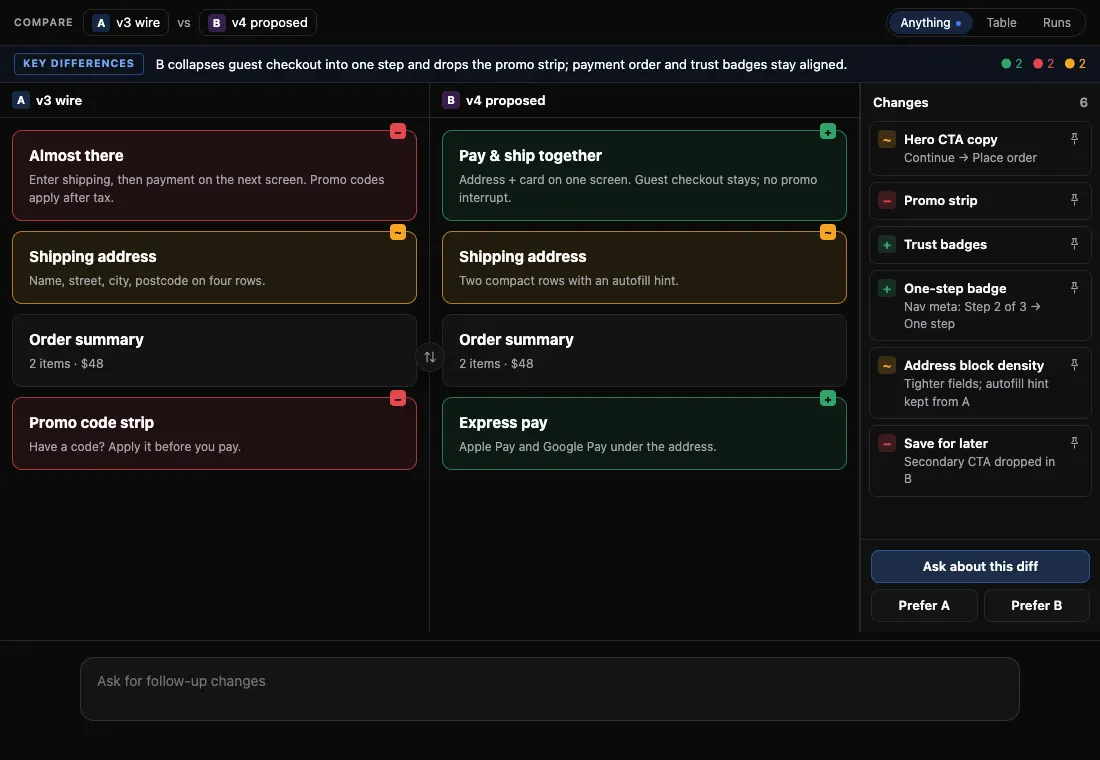
Compare mode: two versions side by side with a list of changes

Compare

Side-by-side compare mode

Mode v0.1.4 14 KB
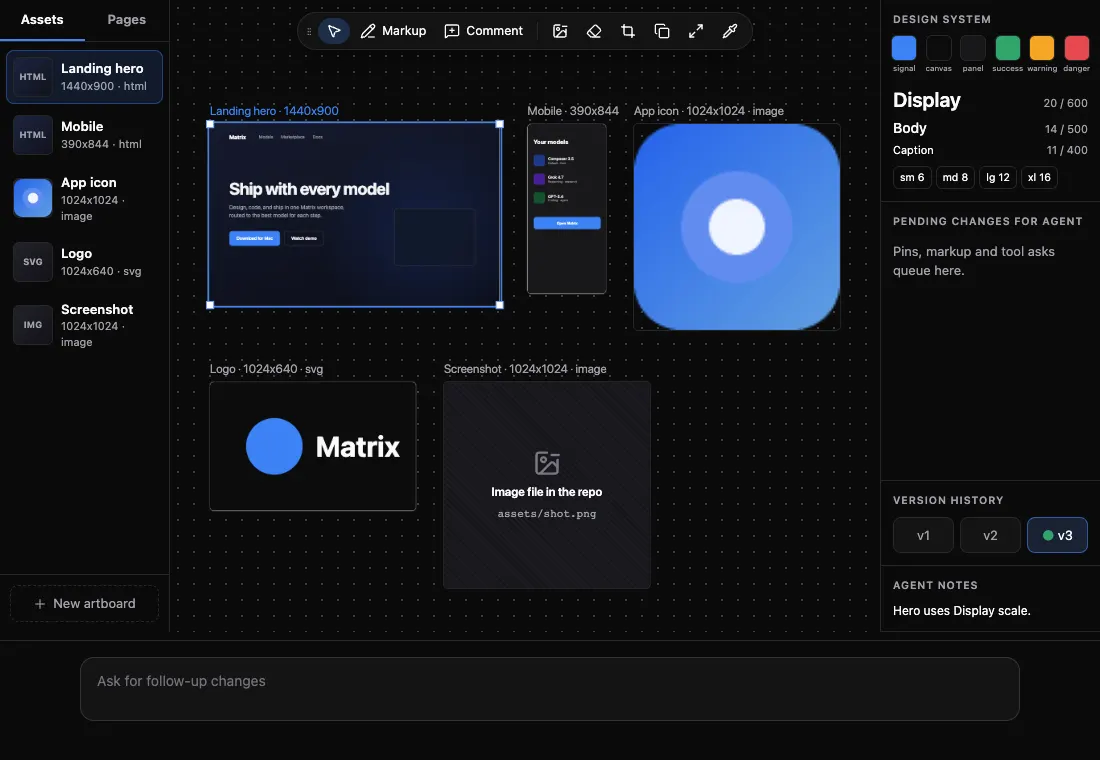
Studio mode: a canvas of design frames with an asset list and a design-system panel

Studio

Design and media mode pack

Mode v0.2.0 33 KB
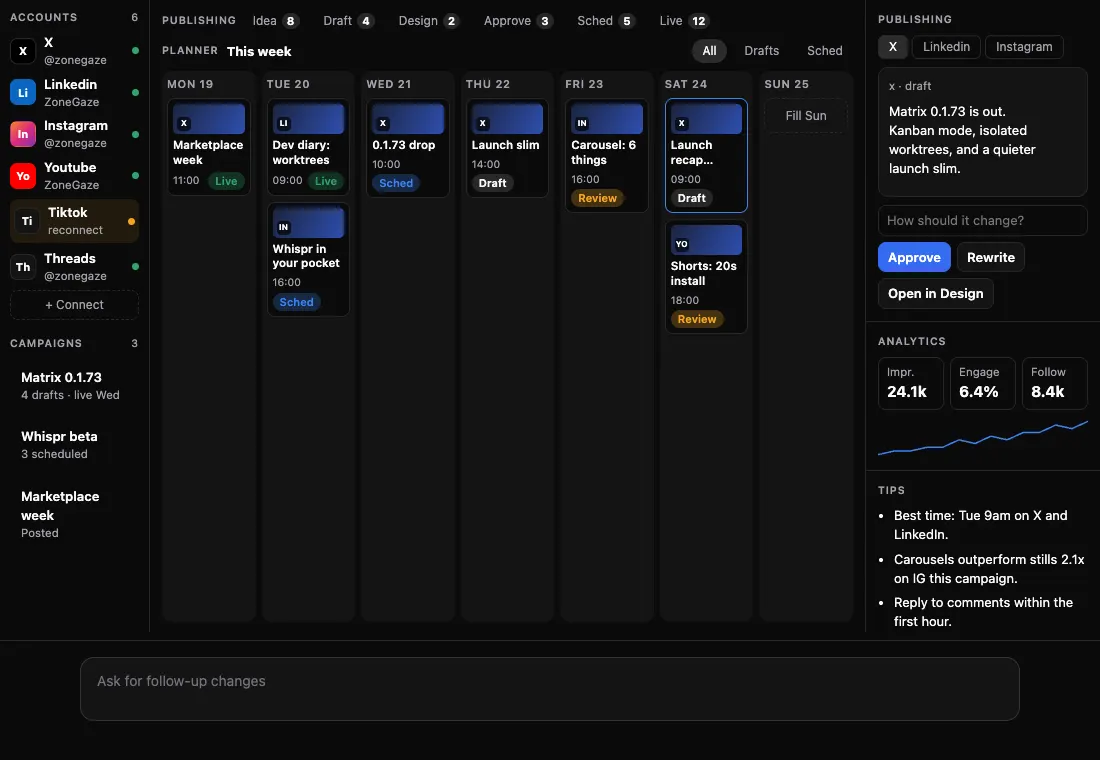
Social mode: a weekly post planner with a selected draft

Social

Social drafting mode

Mode v0.2.0 16 KB
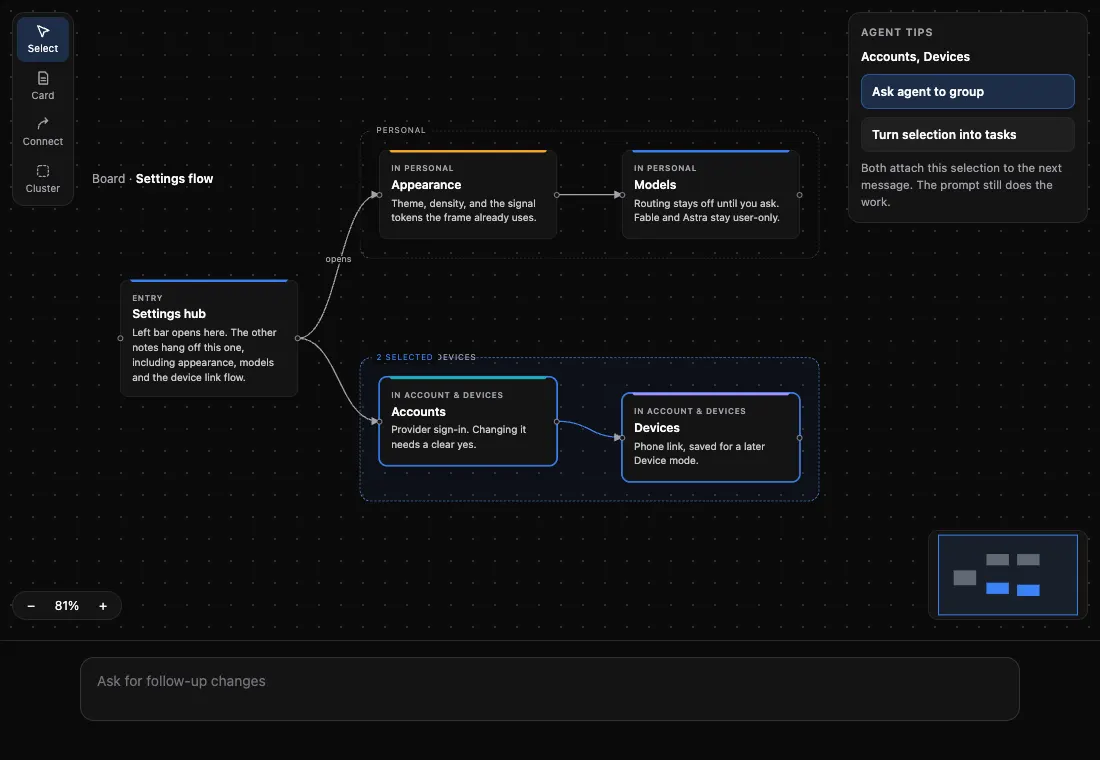
Whiteboard mode: cards linked by arrows inside groups

Whiteboard

Whiteboard mode

Mode v0.1.4 15 KB
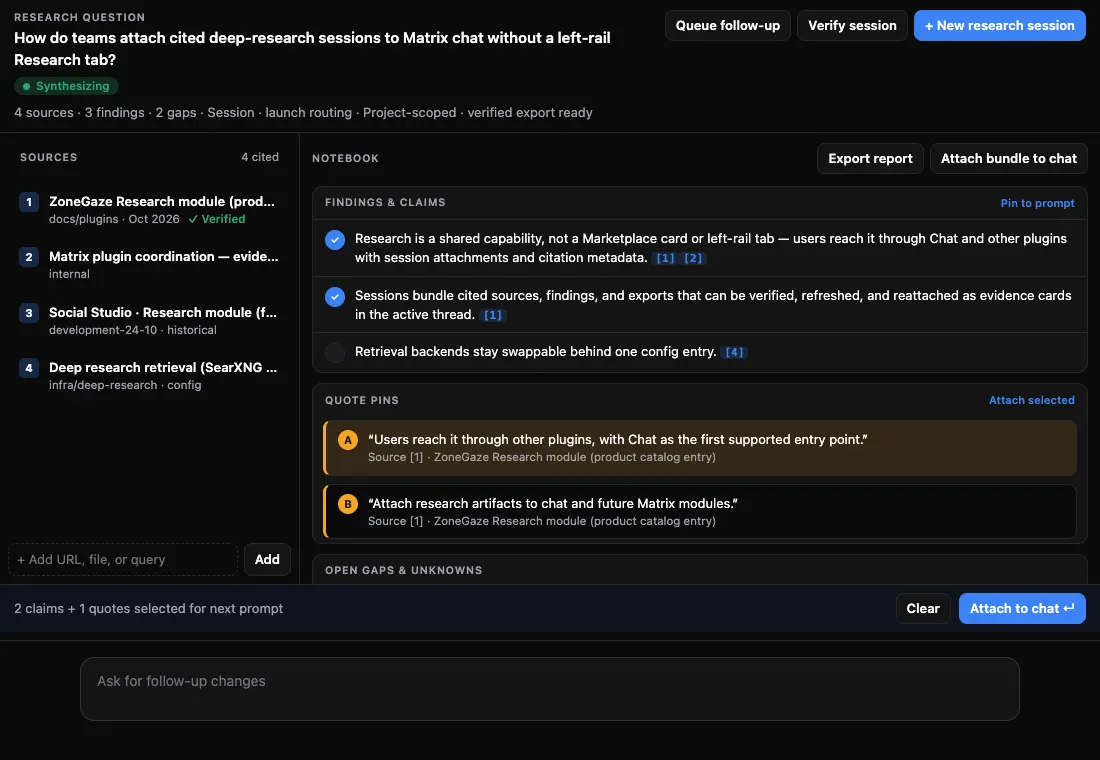
Research Notebook: sources on the left, findings and quote pins on the right

Research

Research mode

Mode v0.1.4 11 KB

More modes are on the way

New modes show up in Marketplace by themselves. You don't need to update Matrix.

Pictures are renders of the built packs with sample data.

How modes behave

Good to know.

  • Modes need T3 Code. Marketplace shows them only while T3 Code is installed.
  • Pick a mode from Mode in the prompt box, or let the agent open one when it helps.
  • New modes arrive from zonegaze.com without a Matrix update.
  • Remove a mode and its cards show the raw result again.

A separate catalog

Agent Exchange is not Marketplace.

Agent Exchange lists reviewed skills, rules and tools for AI agents. It is separate from Matrix and from the list above.

Open Agent Exchange →