
Left bar
Your installed plugins, Marketplace, the Talk button and Settings. One click switches the main area.
Matrix gives your AI tools one window, one settings hub and one way to install and update them. It does not run models itself: T3 Code drives the agent tools you already use.
The frame
Your installed plugins, Marketplace, the Talk button and Settings. One click switches the main area.
Where you are: the project, the thread, and the mode that is picked.
The open plugin. T3 Code, Whispr or a mode in full view.
Appearance, Updates, Assistant, voice and model routing, all in one place.
Plugins
Run coding agents such as Codex, Claude Code, Cursor and OpenCode from one place, with voice in the prompt box.
Dictation that runs on your Mac. Speak, and the words land where you type.
Built in
Press Option+Shift+Space in any app, speak, and a small bubble shows what the assistant hears, says and does.
Install, update and remove plugins and modes. New modes arrive from zonegaze.com without a Matrix update.
Theme, colours and density for the whole frame, in Settings › Appearance.
Settings › Updates checks for new versions of Matrix and every plugin. A failed update keeps the version you had.
Modes
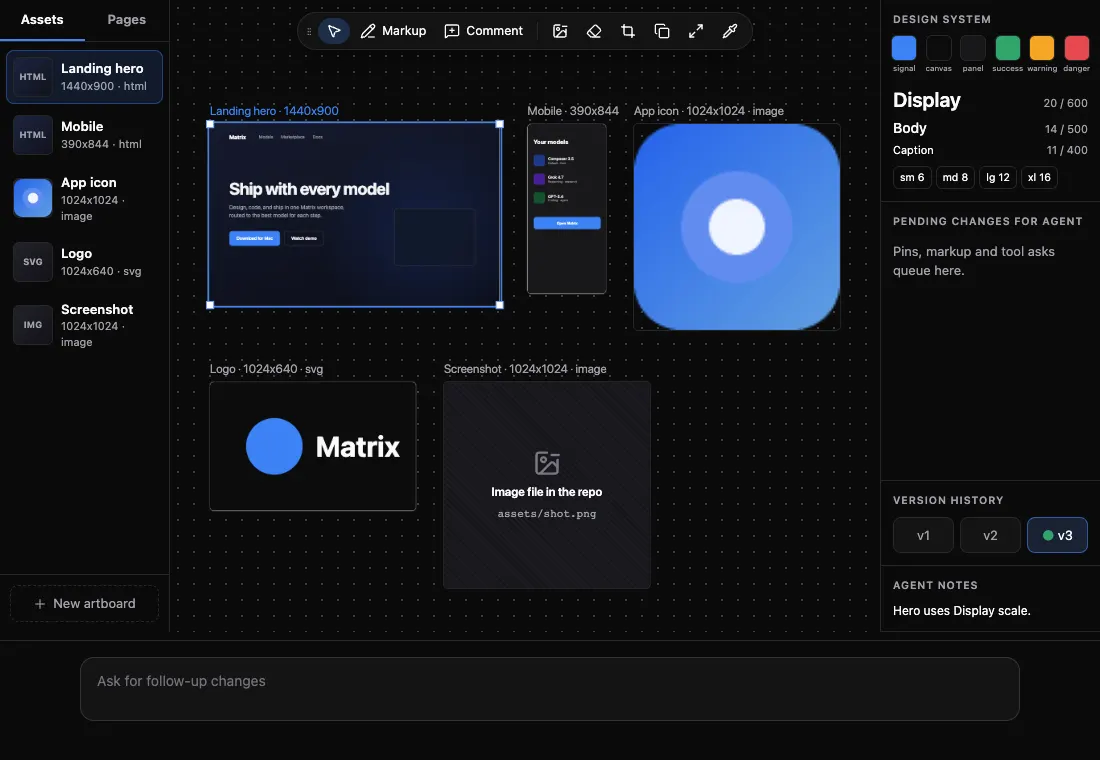
A mode turns the agent's reply into a live card in the chat. The agent keeps editing the same card, and older versions fold to one line. Pin, attach or open any card full screen.
Modes need T3 Code. Modes never call a model on their own; the agent does the work.
Android
The Android app follows and steers the work running on your Mac. It is not a separate Matrix.
Pair it from T3 Code → Pair phone on the Mac. Both devices need the same network or a VPN such as Tailscale. The link is plain HTTP, so use a network you trust.
Keyboard
Know before you install
Matrix keeps its settings on your Mac. Prompts you send through T3 Code go to the agent provider you signed in to, under that provider's terms.