Main workspace
Matrix gives you one place to open projects, manage settings, and choose the tools you need.
Main app
Free betaMatrix is the main ZoneGaze app. It helps you keep tasks, notes, research, voice input, code work, and review steps together.
Why it matters
For people and teams who use AI helpers and want their work to stay organized, reviewable, and easier to manage.
Evidence summary
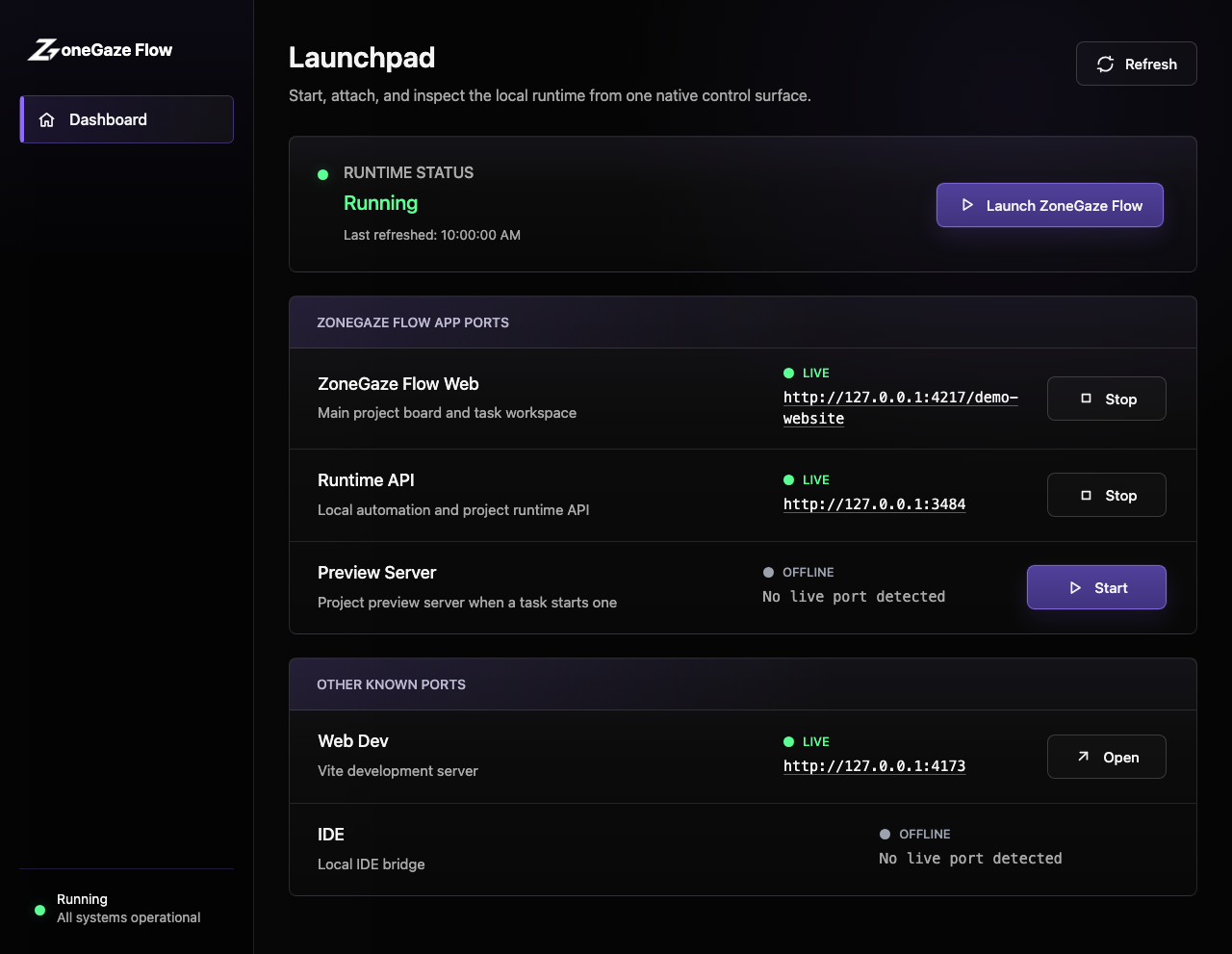
A current Matrix dashboard showing the main workspace where you choose and manage tools.
What Matrix does
Start from one main workspace, then add only the tools that match your work.
Matrix gives you one place to open projects, manage settings, and choose the tools you need.
Start with Matrix, then add tools for code, voice, notes, research, design, or content work.
Keep related tasks, projects, settings, and progress visible in the same workspace.
AI can help with the work, but you decide what to accept, save, or share.
Where it fits
Mac and Android are the first download paths. Browser-based access also remains part of the current setup.
Open Matrix on Mac and start from the main dashboard.
Use the Android Matrix dashboard and follow the setup steps before opening tools.
Use the browser-based workspace when that path fits your setup.
Choose Flow, Whispr, Chat, Joplin, Git, Code, Research, Social Studio, Open Design, or Exo based on your work.
What you can check
Use the current guides and demos to understand what is available before you begin.
Start from one main workspace.
Add tools for code, voice, notes, research, design, and content work.
Keep review visible before work is accepted or shared.
Learn more
Choose the next page that helps you understand, install, or use Matrix.
Learn how to install Matrix and use its tools.
Follow the current setup and software-work guides for Flow.
Check what the current screenshots and videos show.
See Matrix and Flow working on web, Mac, and Android.
Browse the separate catalog for reusable AI resources.
Get help with setup, access, or product questions.
See what works now and what is still planned.
Return to Matrix and the tools available inside it.
Useful tools
Tool inside Matrix
Tool betaHelps manage AI-assisted software work.
For founders, developers, and teams using AI helpers for software work.
Explore FlowTool inside Matrix
Tool betaVoice input for notes, prompts, and quick capture.
For people who want faster input, quick capture, or easier hands-free writing.
Explore WhisprTool inside Matrix
Tool betaPlan and prepare content.
For content and brand teams who want planning, drafts, and review in one workspace.
Explore Social StudioUpdates
We will share updates about Matrix downloads, tools, and current product changes.