This gallery indexes the screenshots and videos behind the Flow product pages. Use it to inspect the real workflow evidence before reusing any visual claim.
Gallery Guide
The gallery is organized by surface:
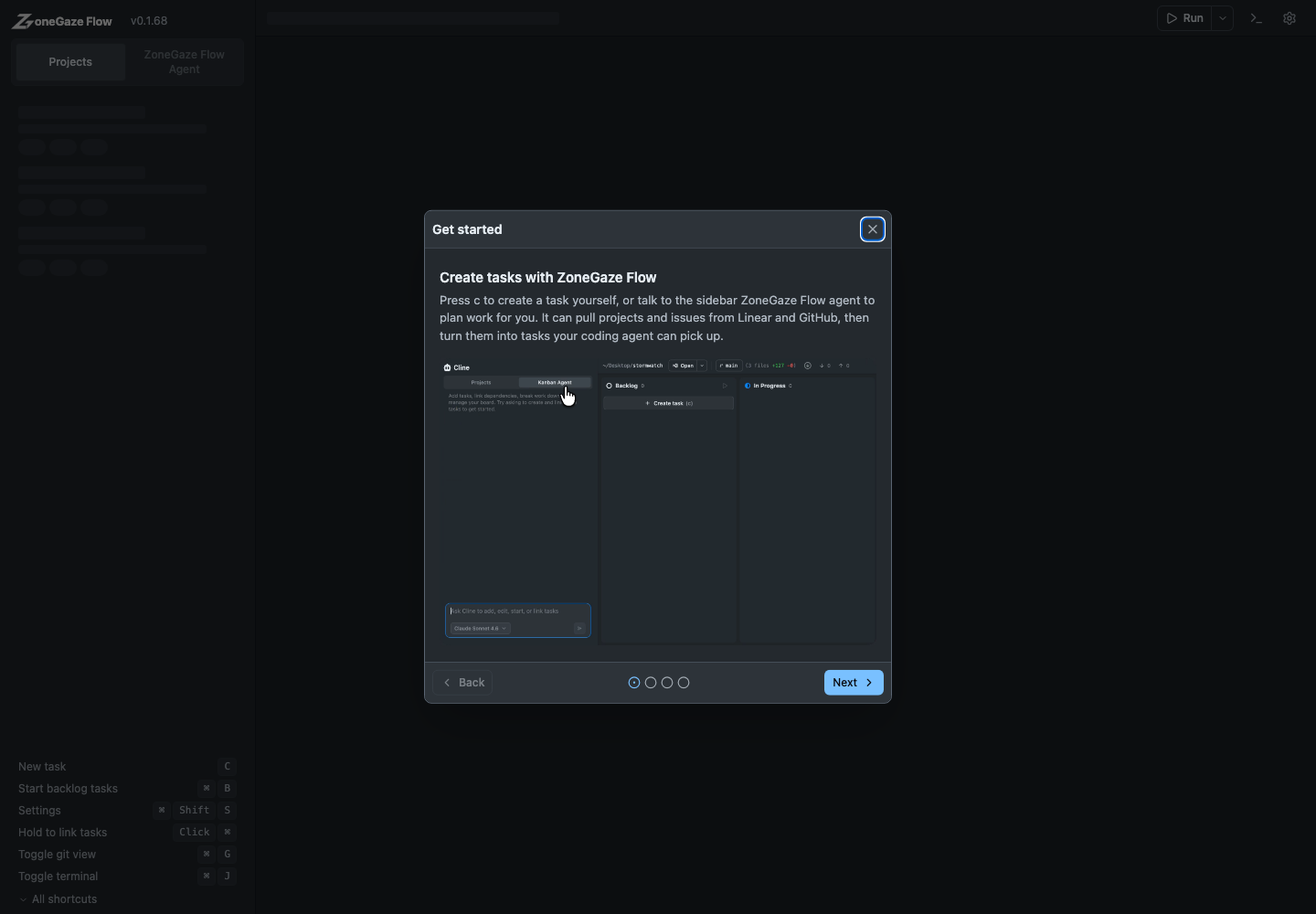
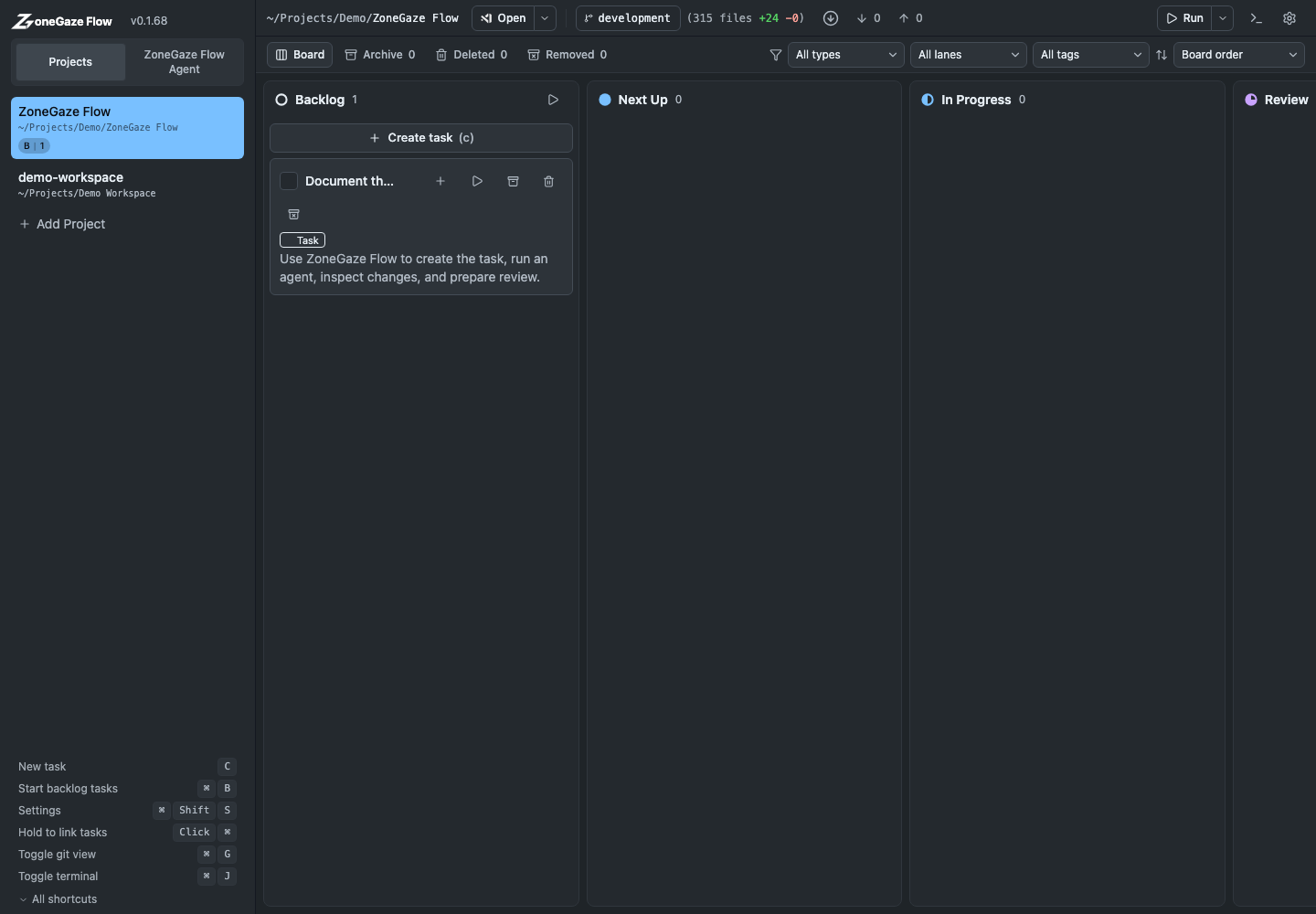
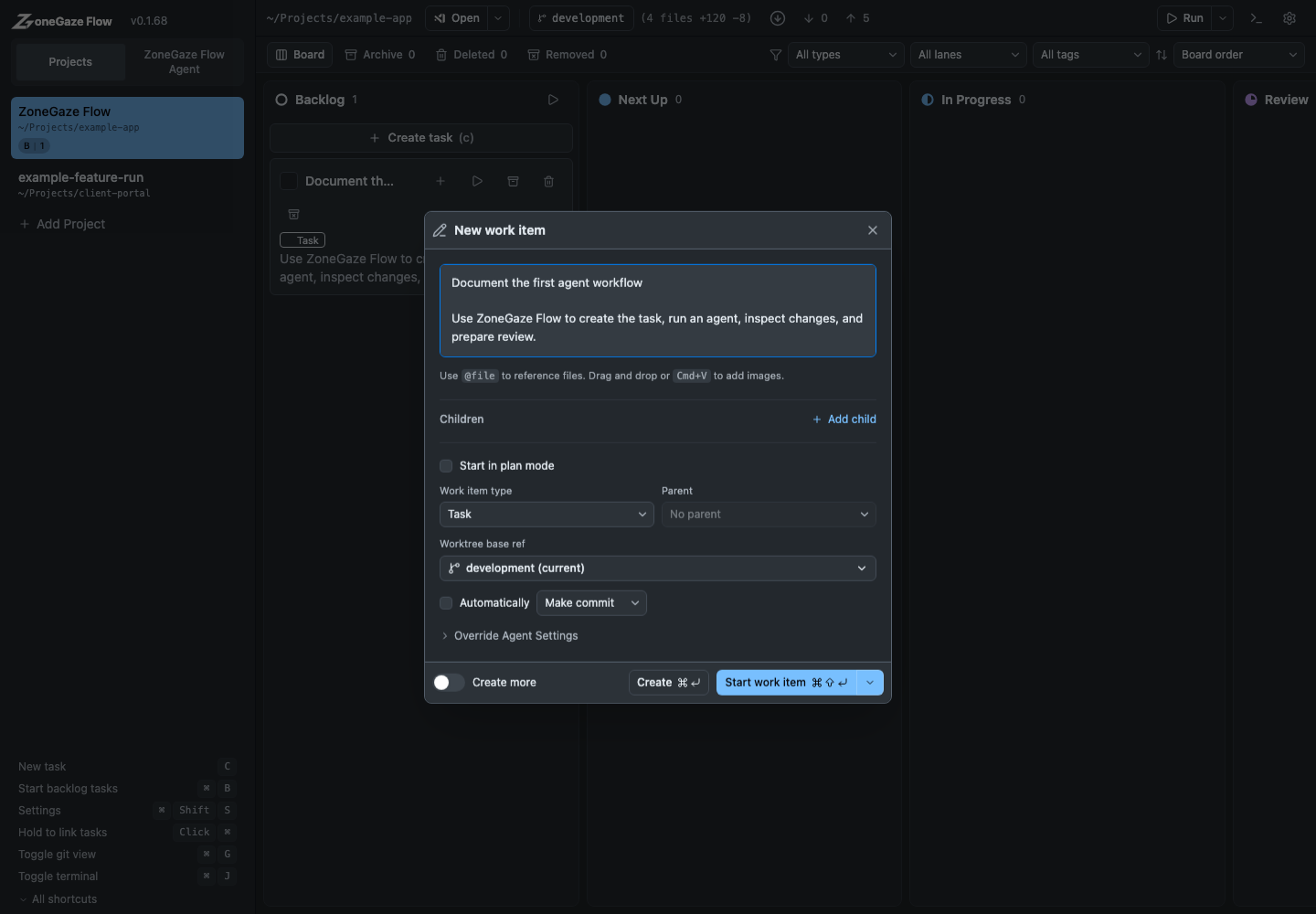
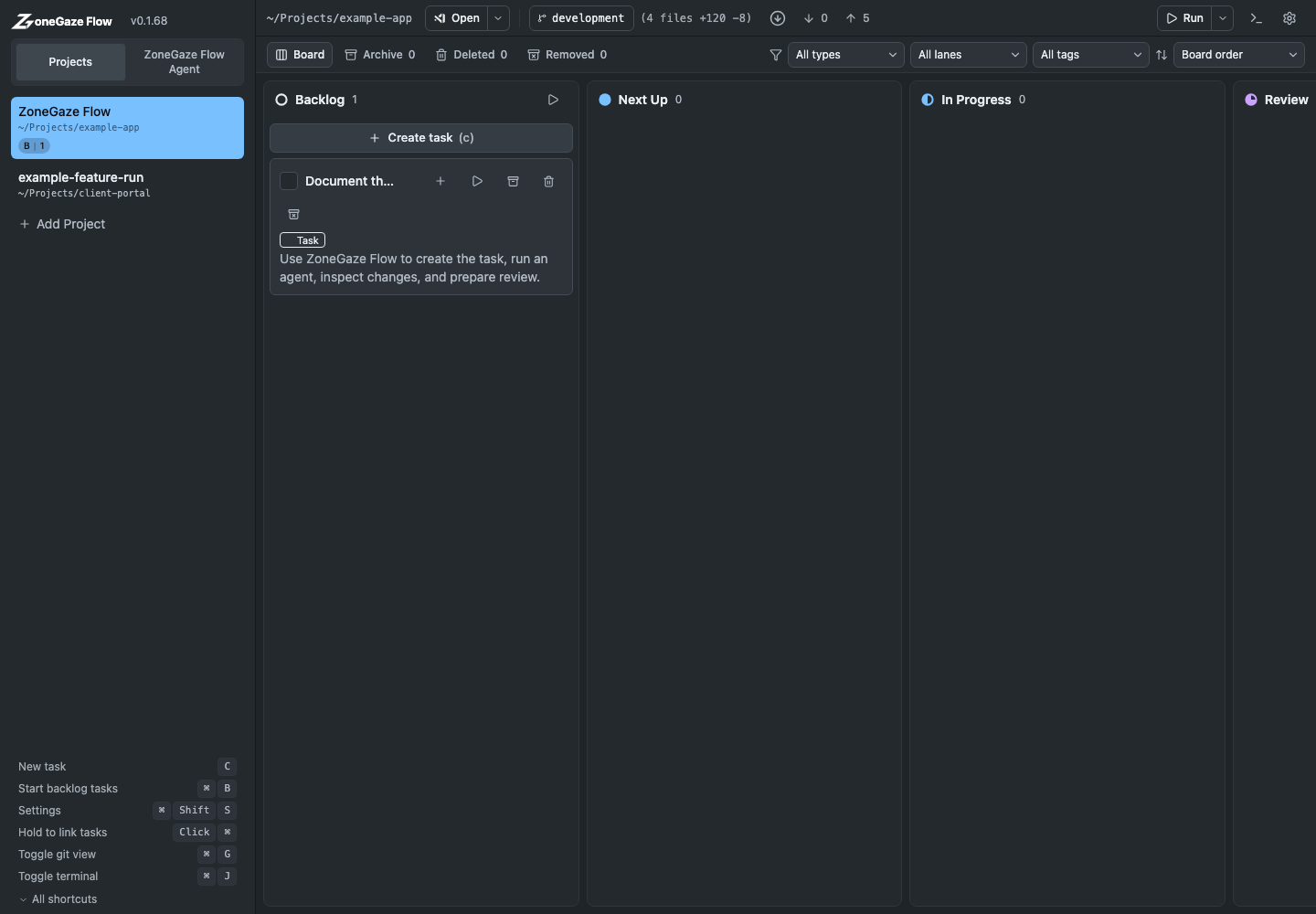
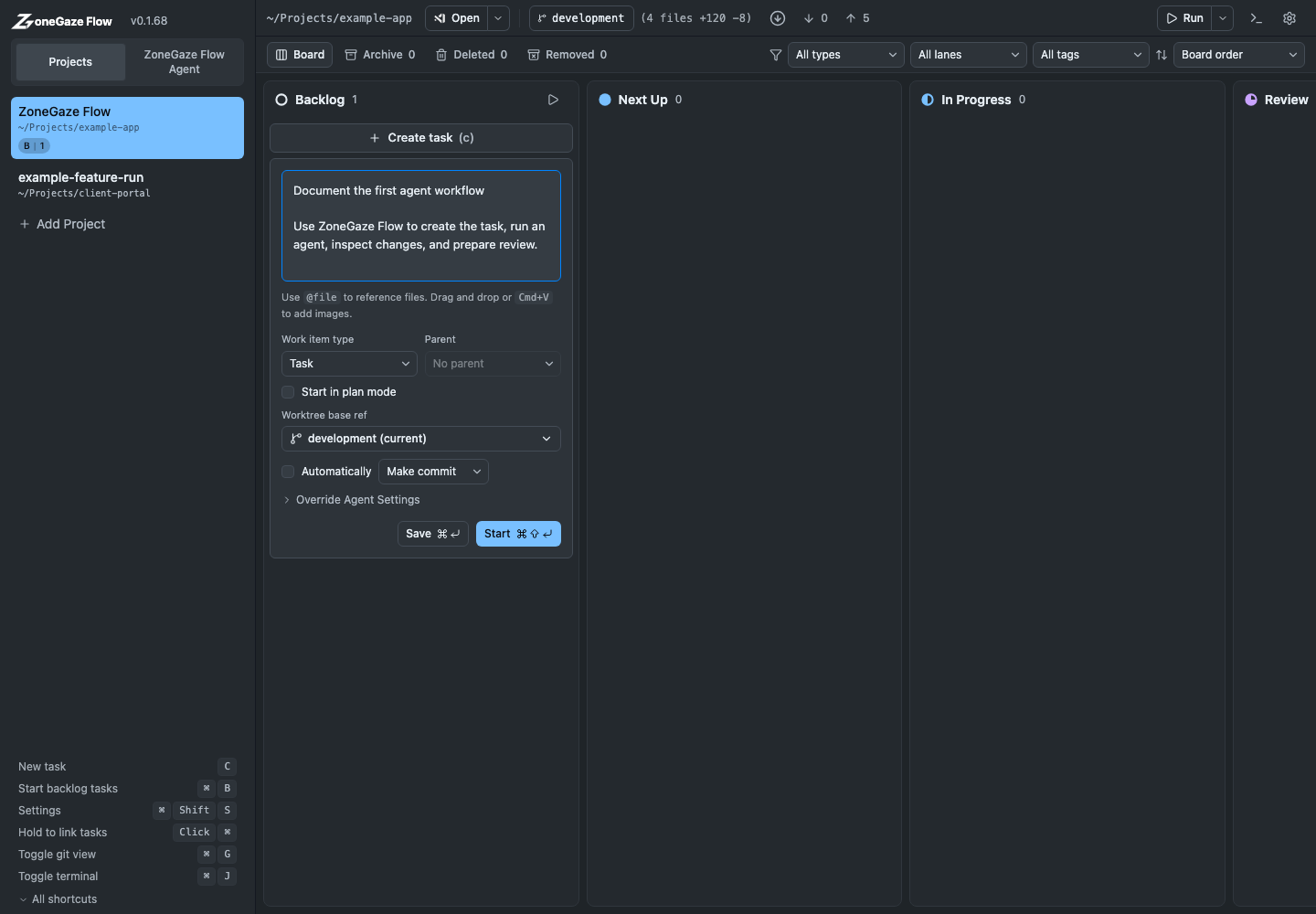
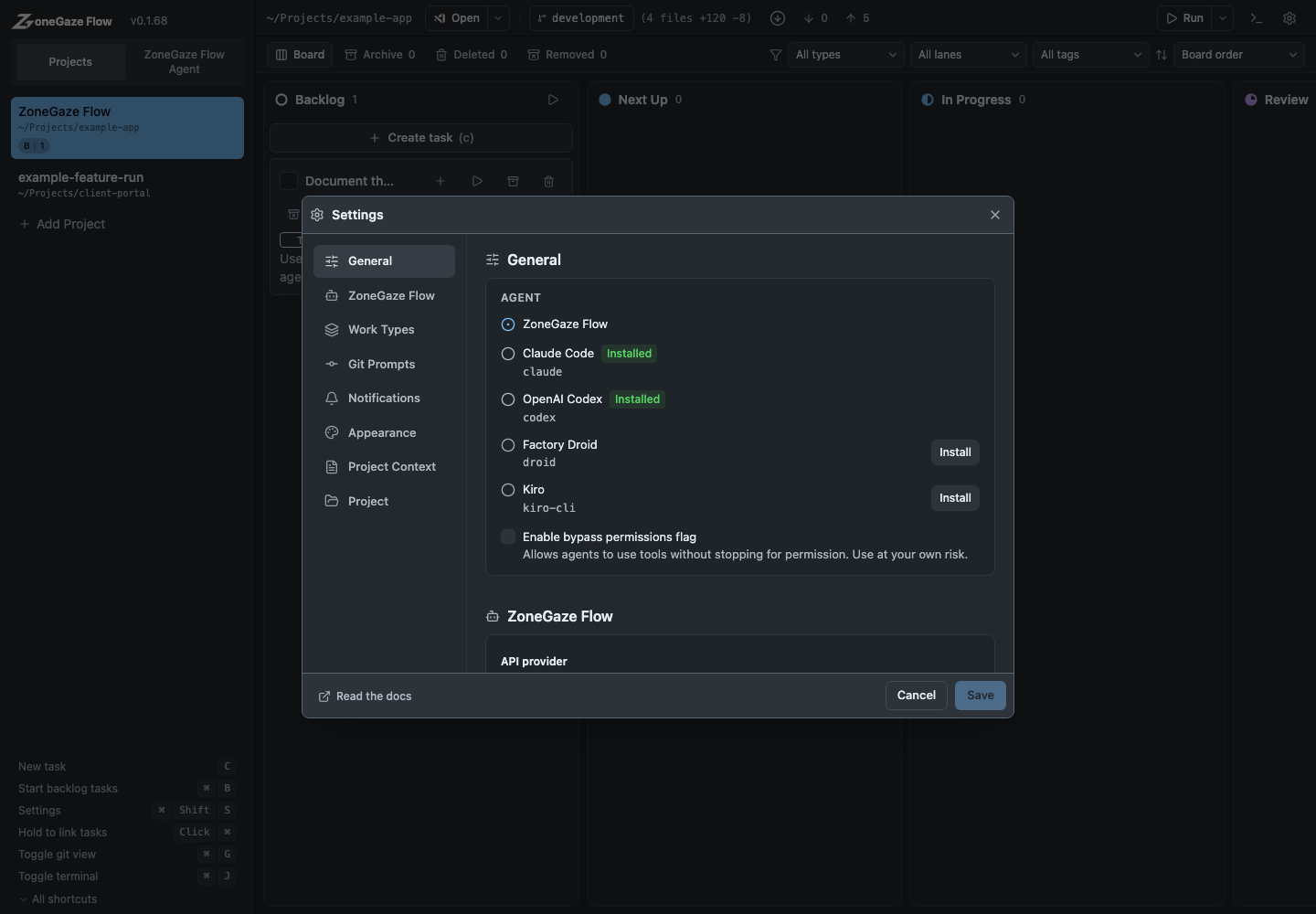
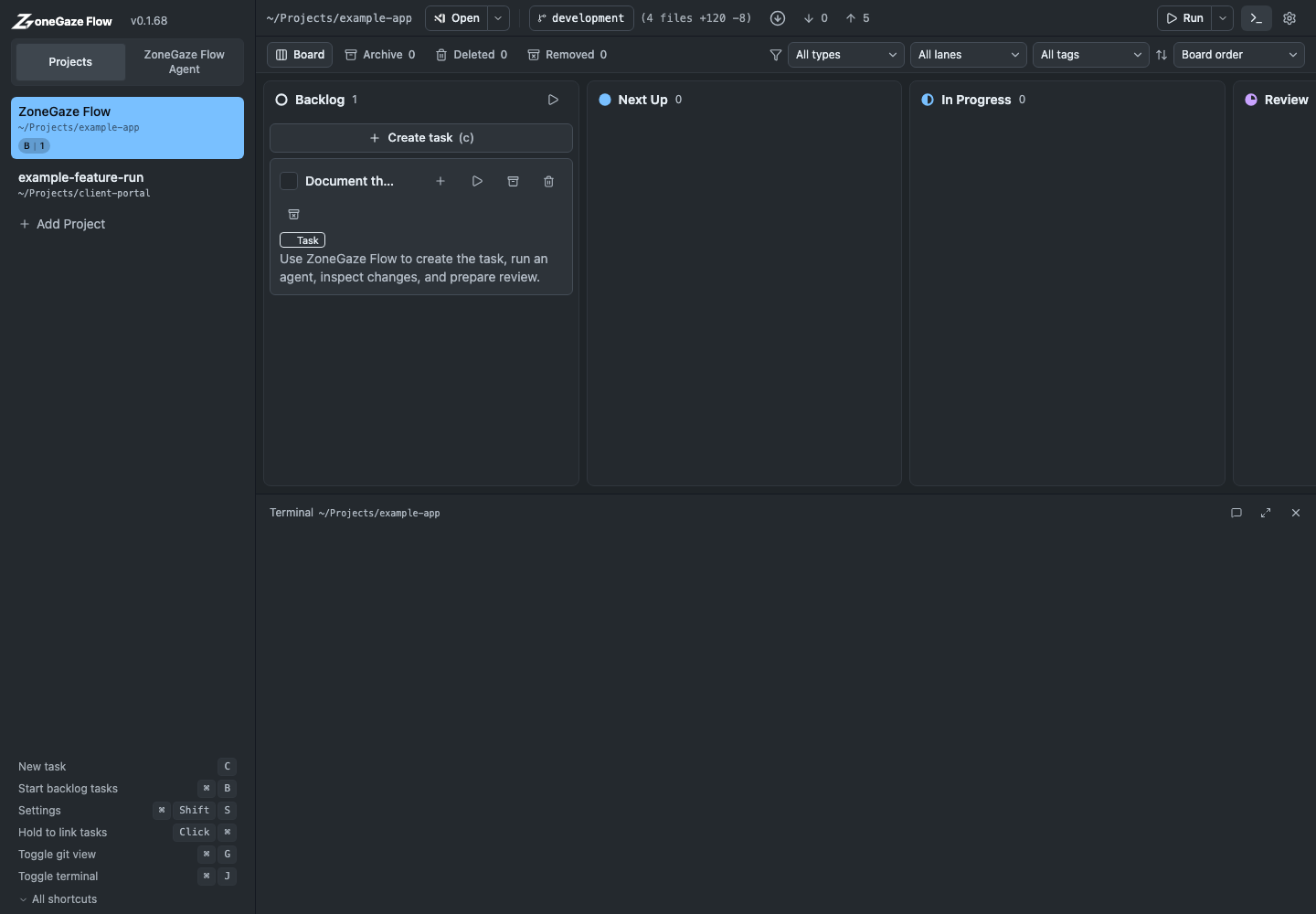
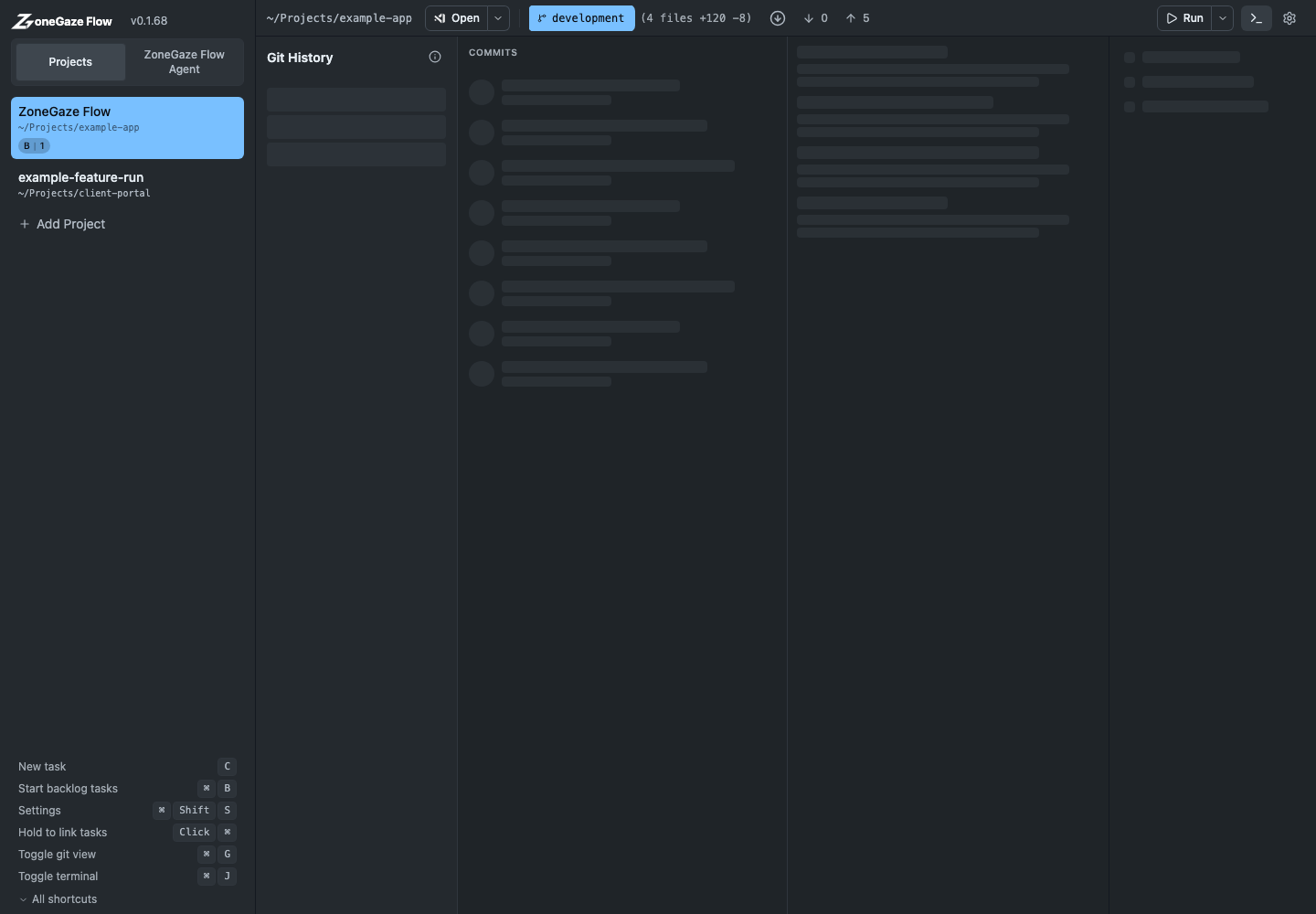
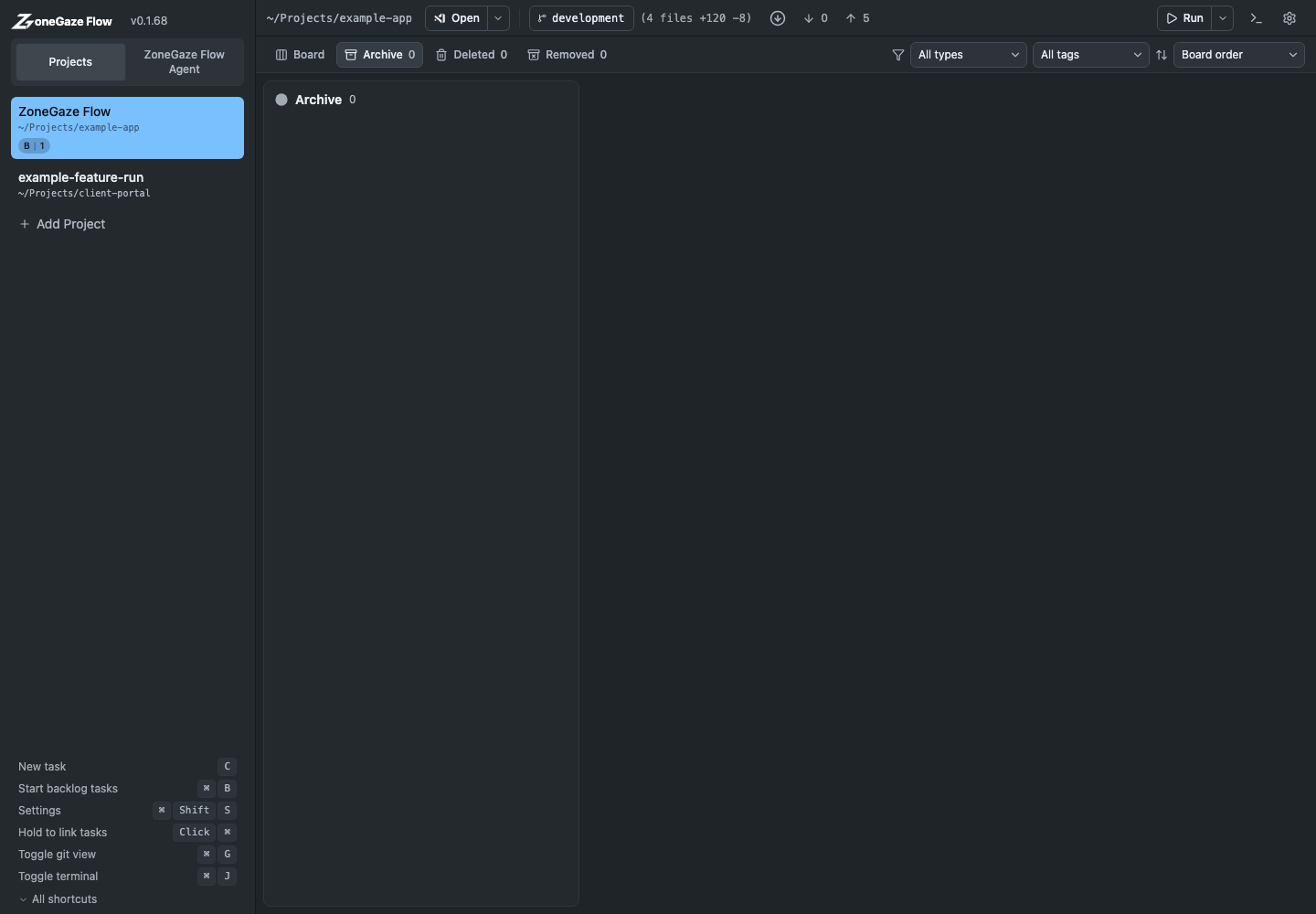
- Web captures show the board, task creation, task detail, terminal, Git history, and archive workflow.
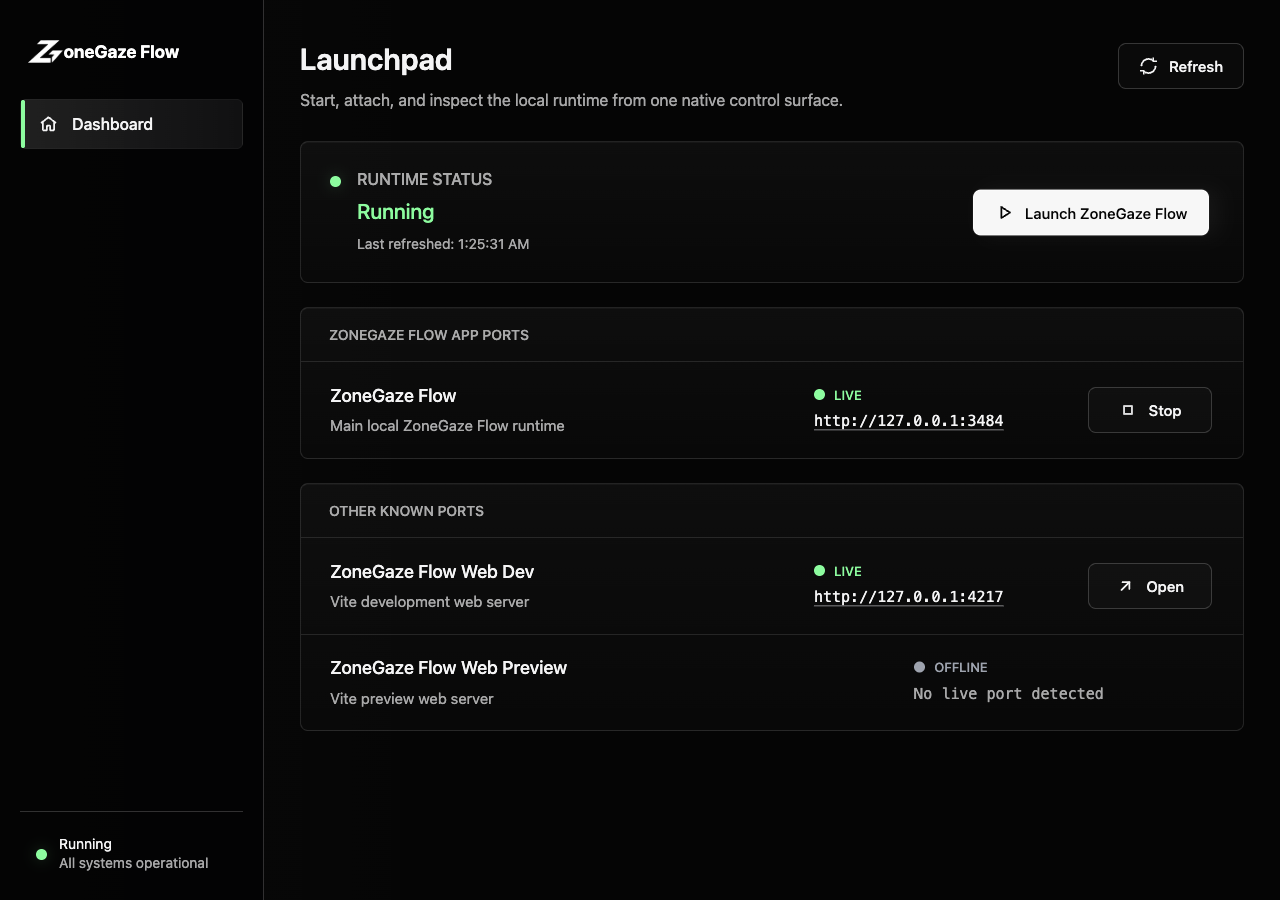
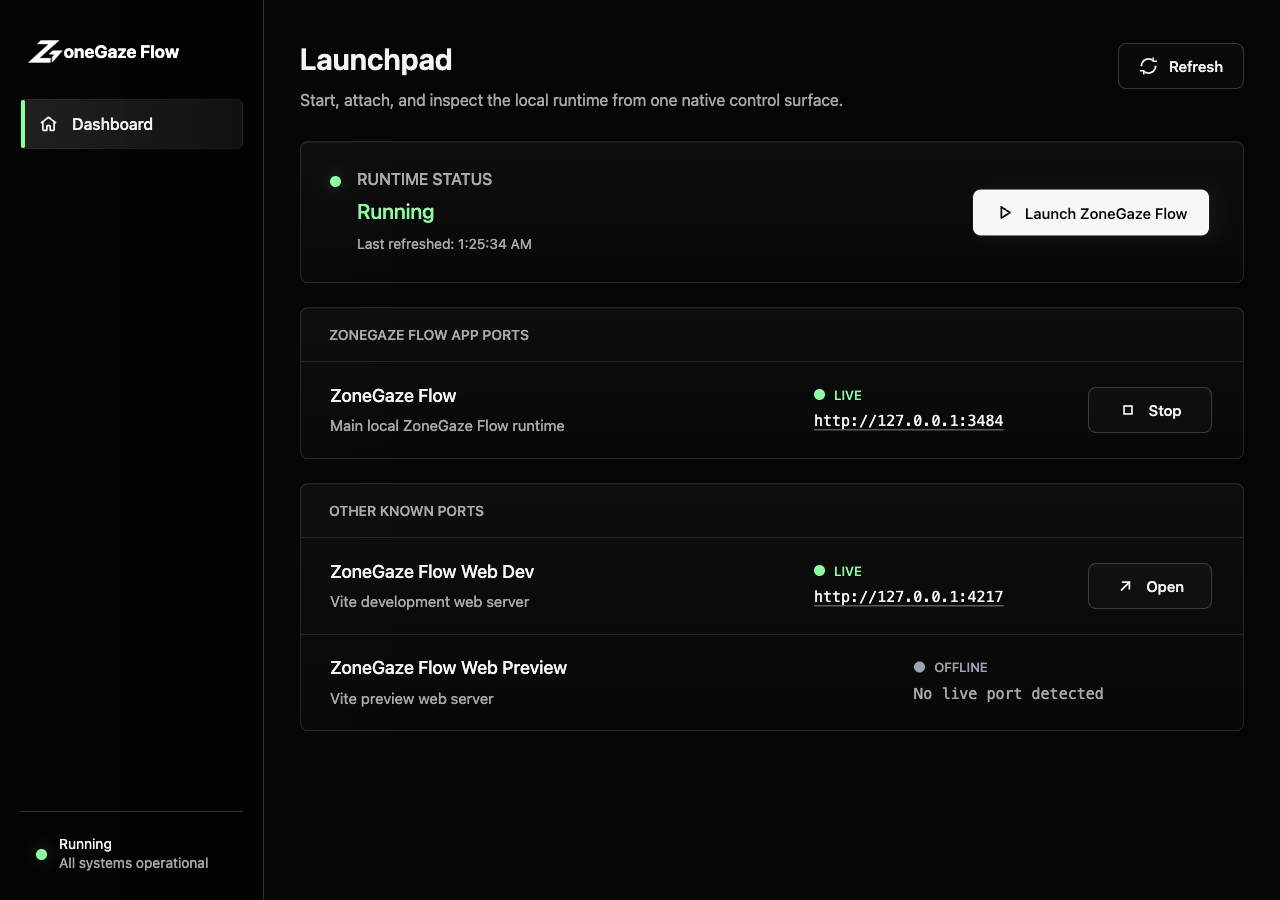
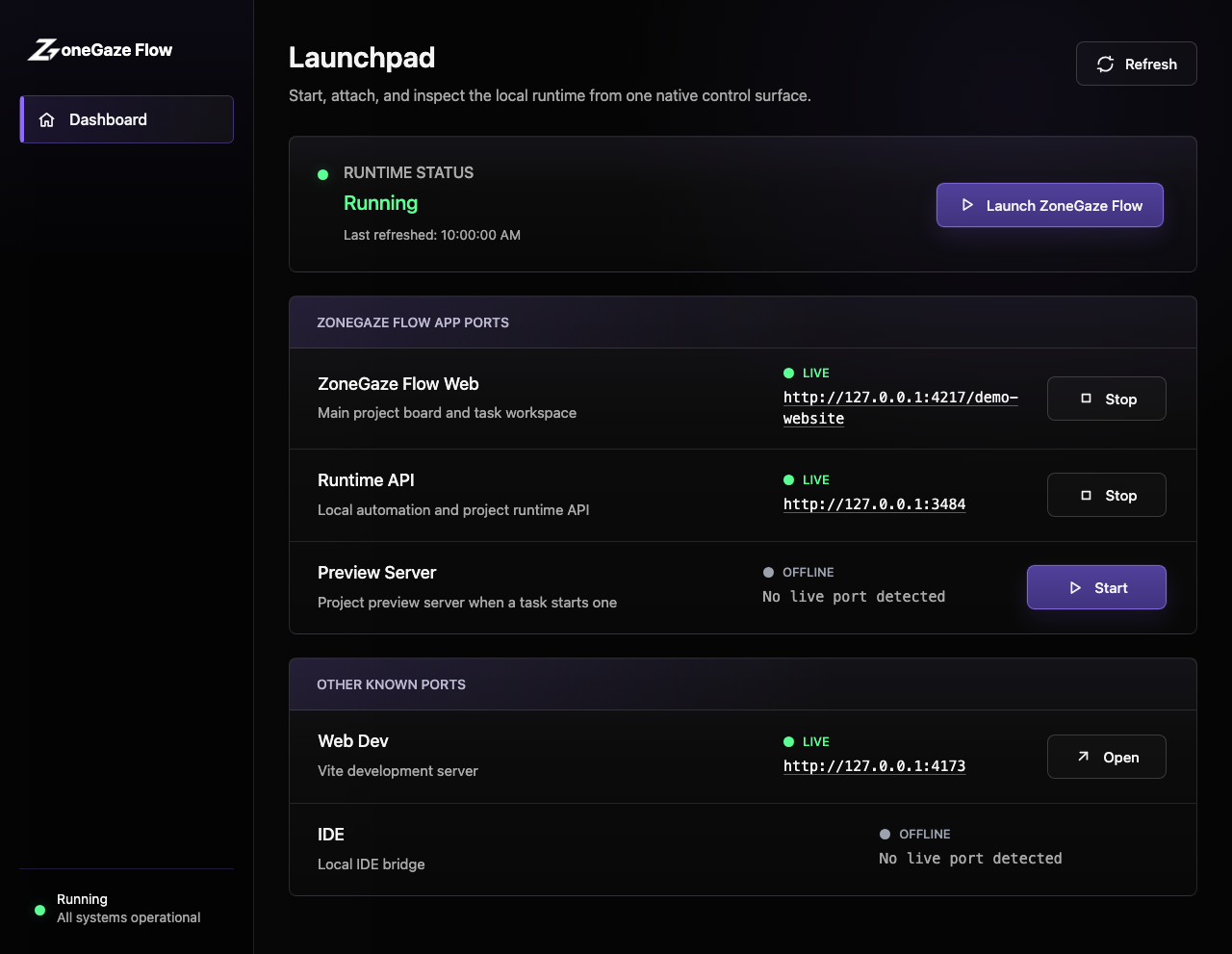
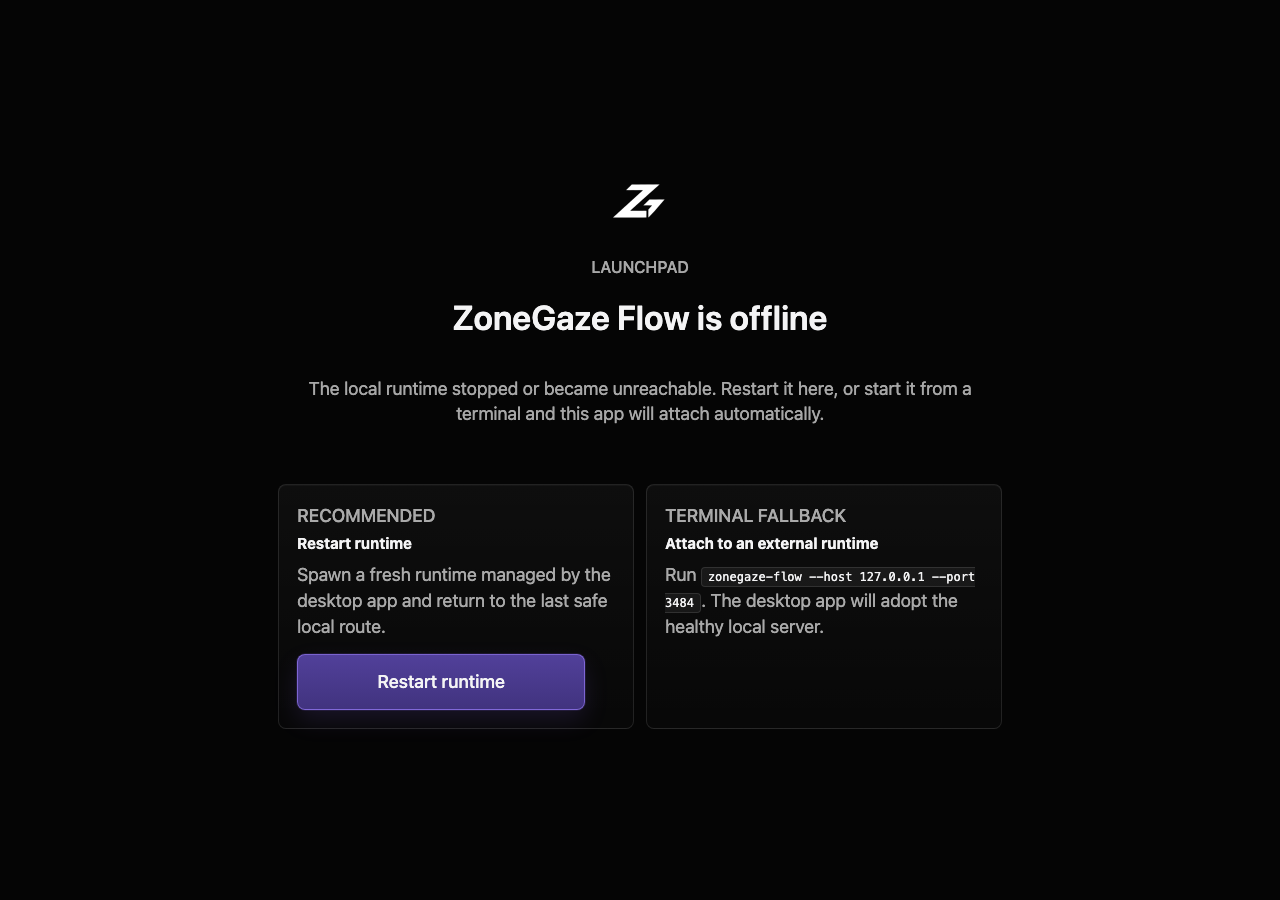
- Mac captures show the desktop launchpad, runtime status, and disconnected-runtime recovery.
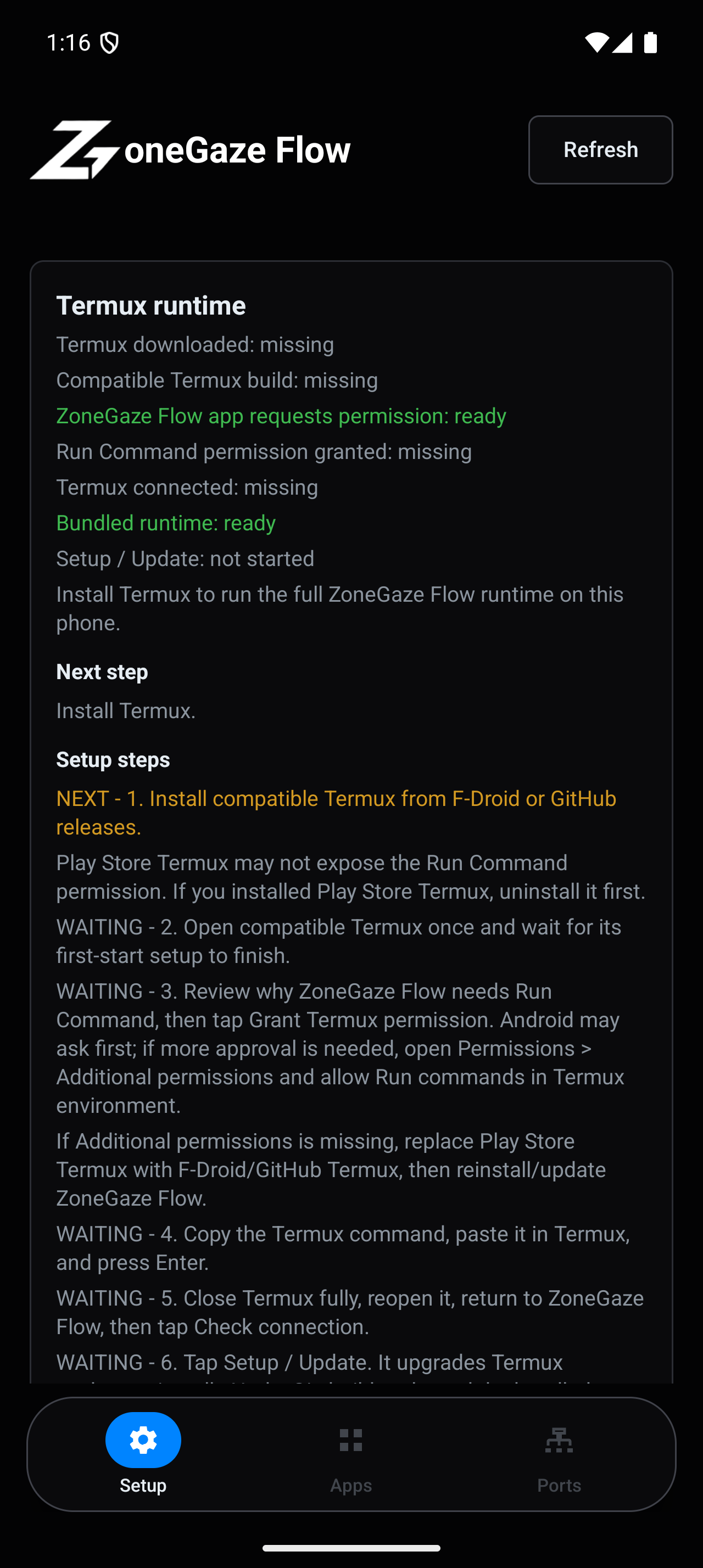
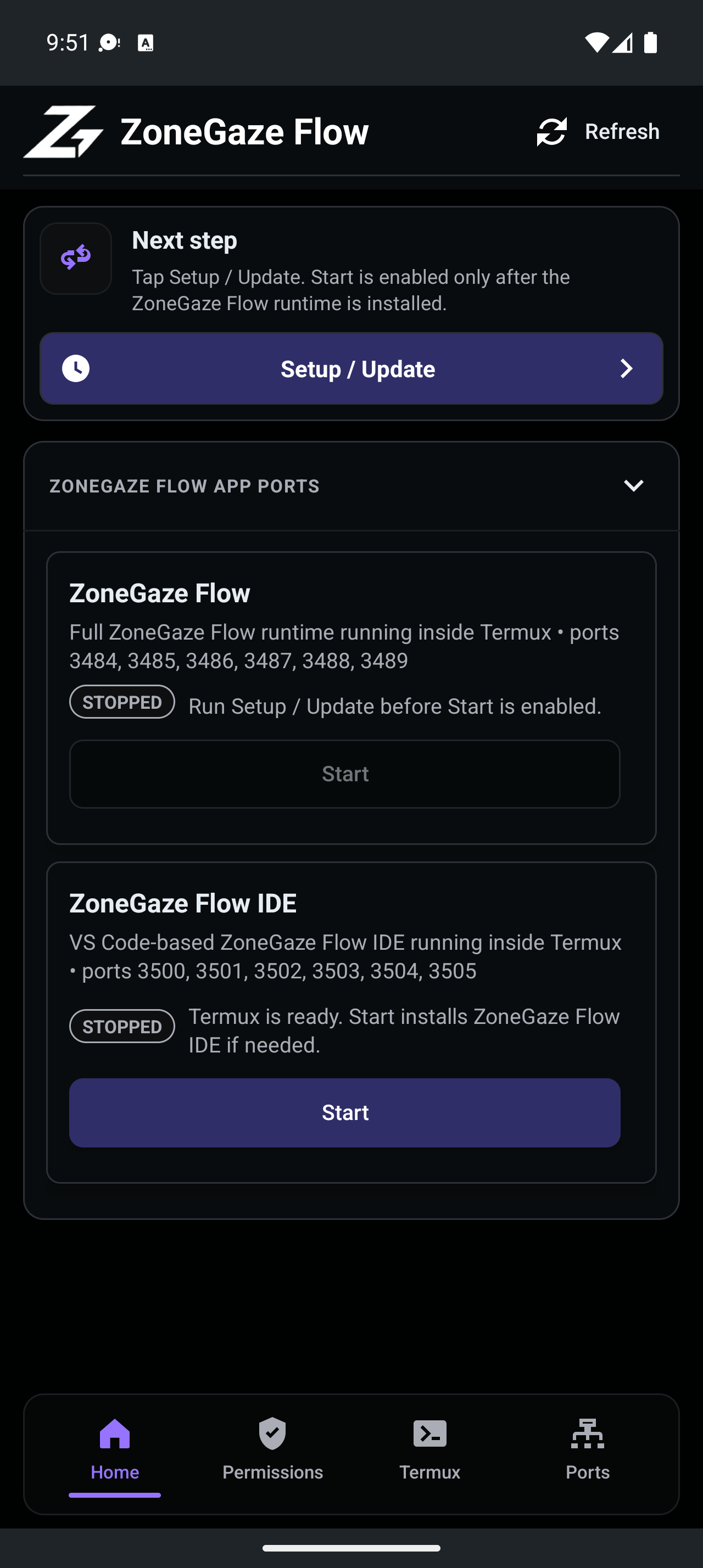
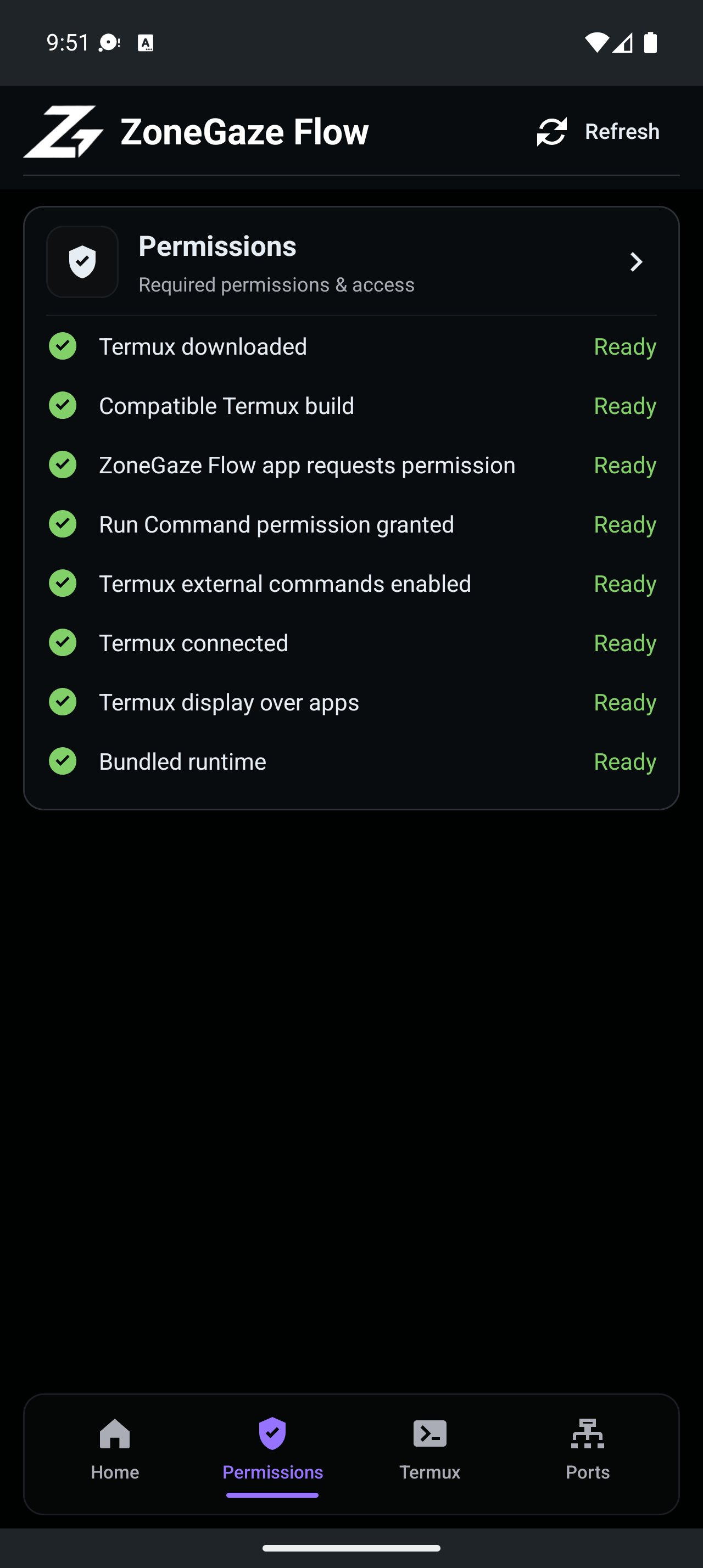
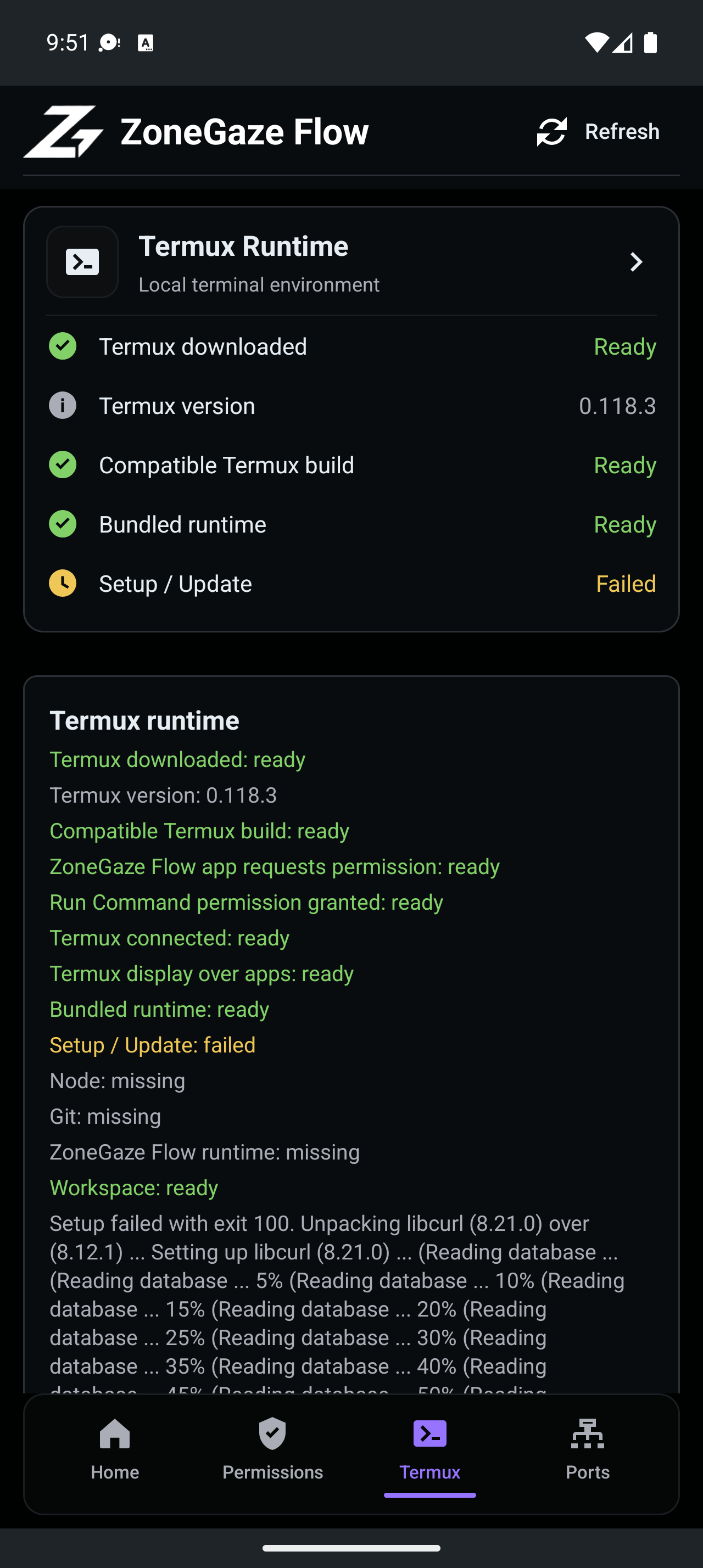
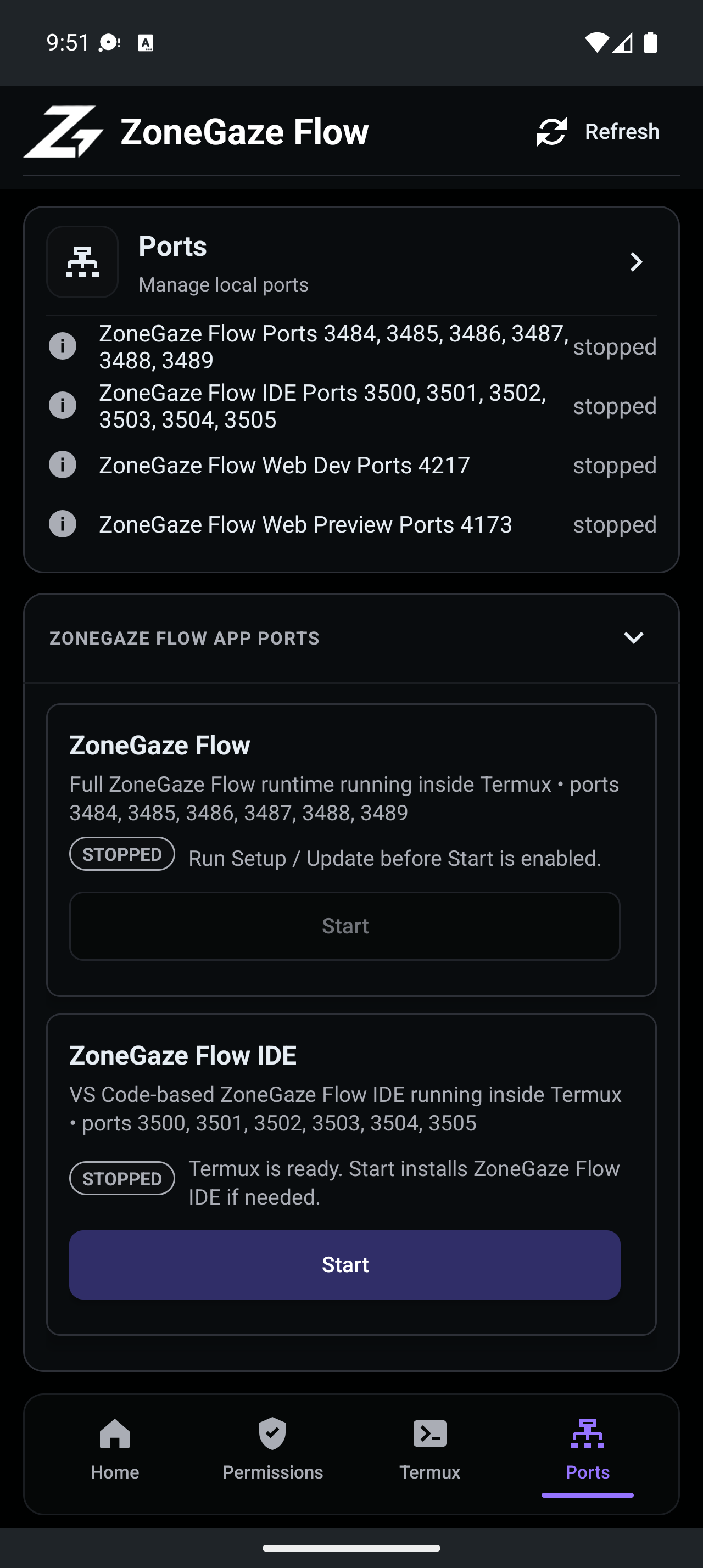
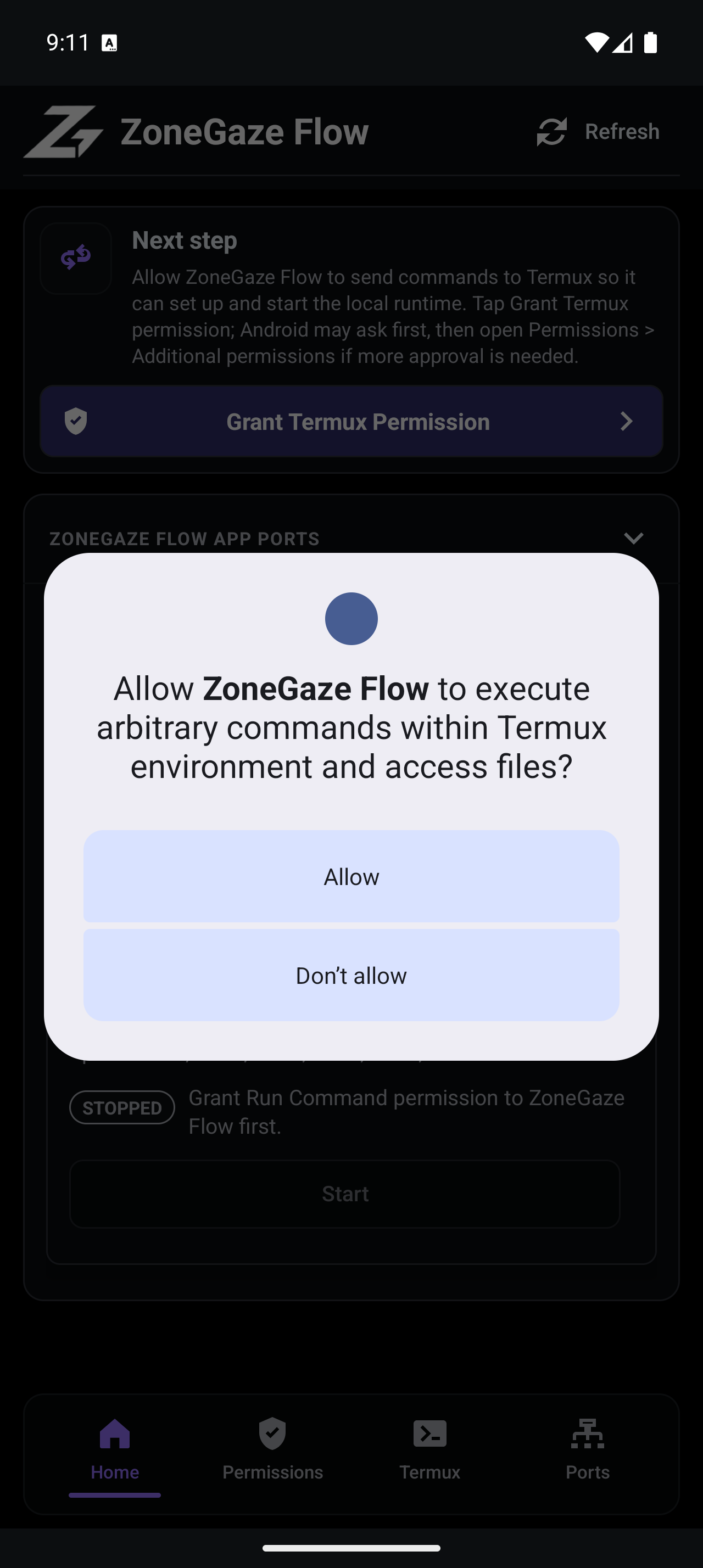
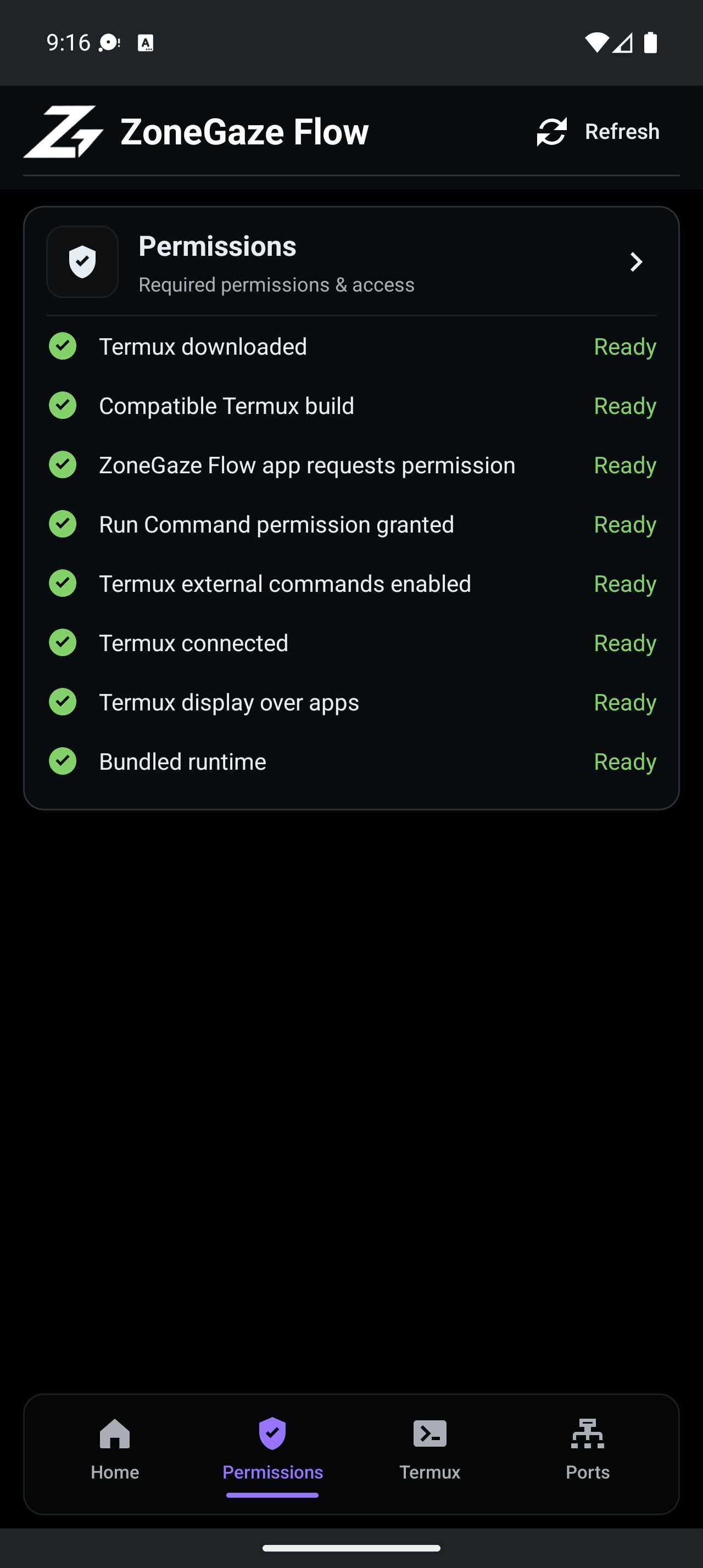
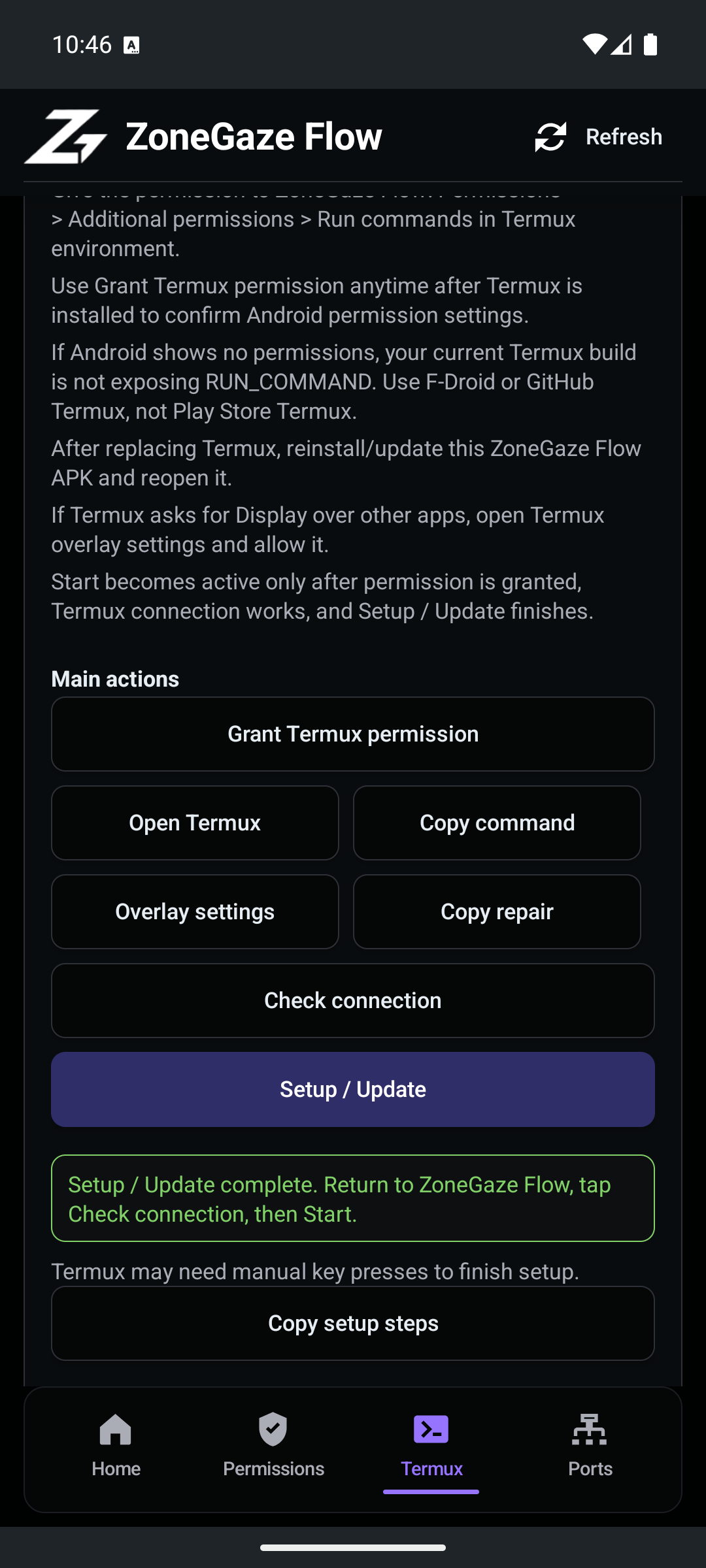
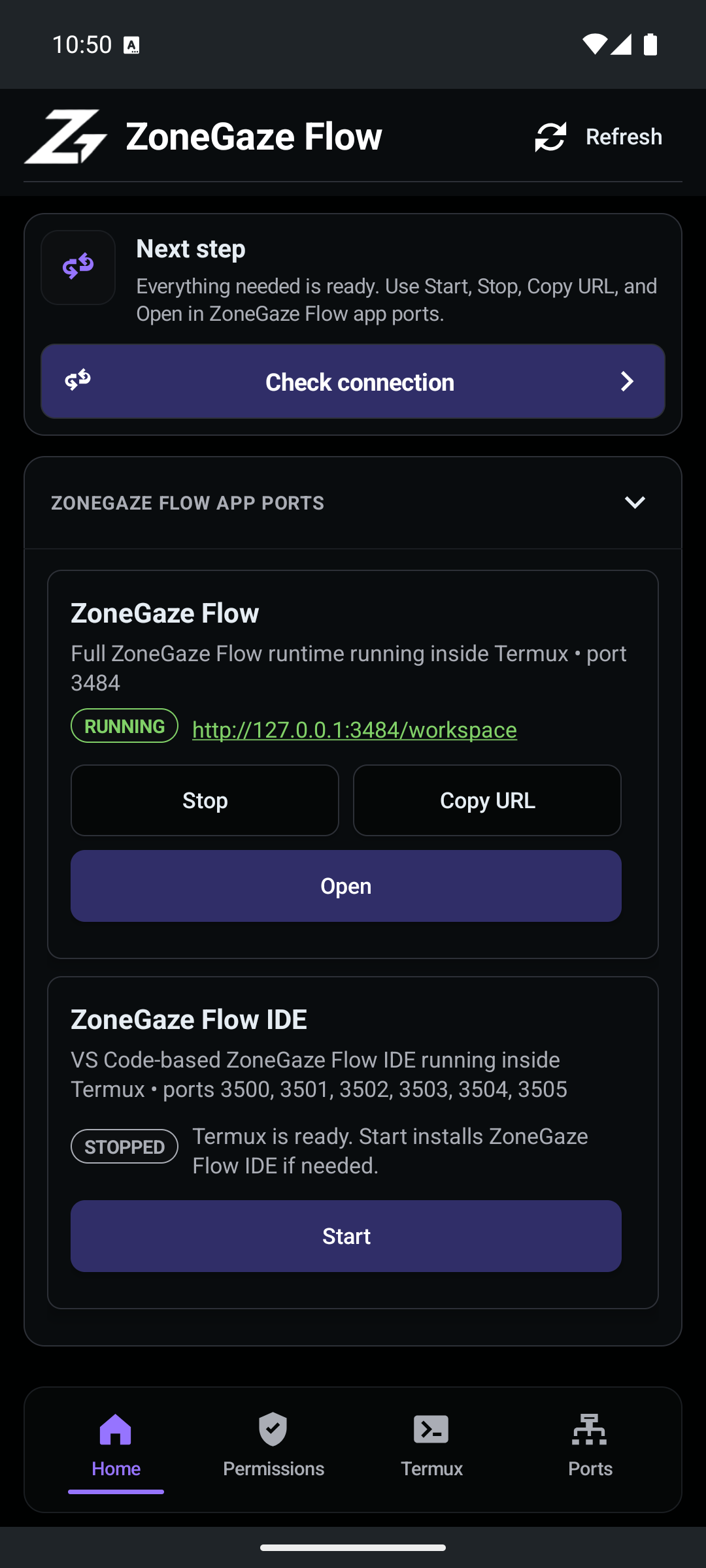
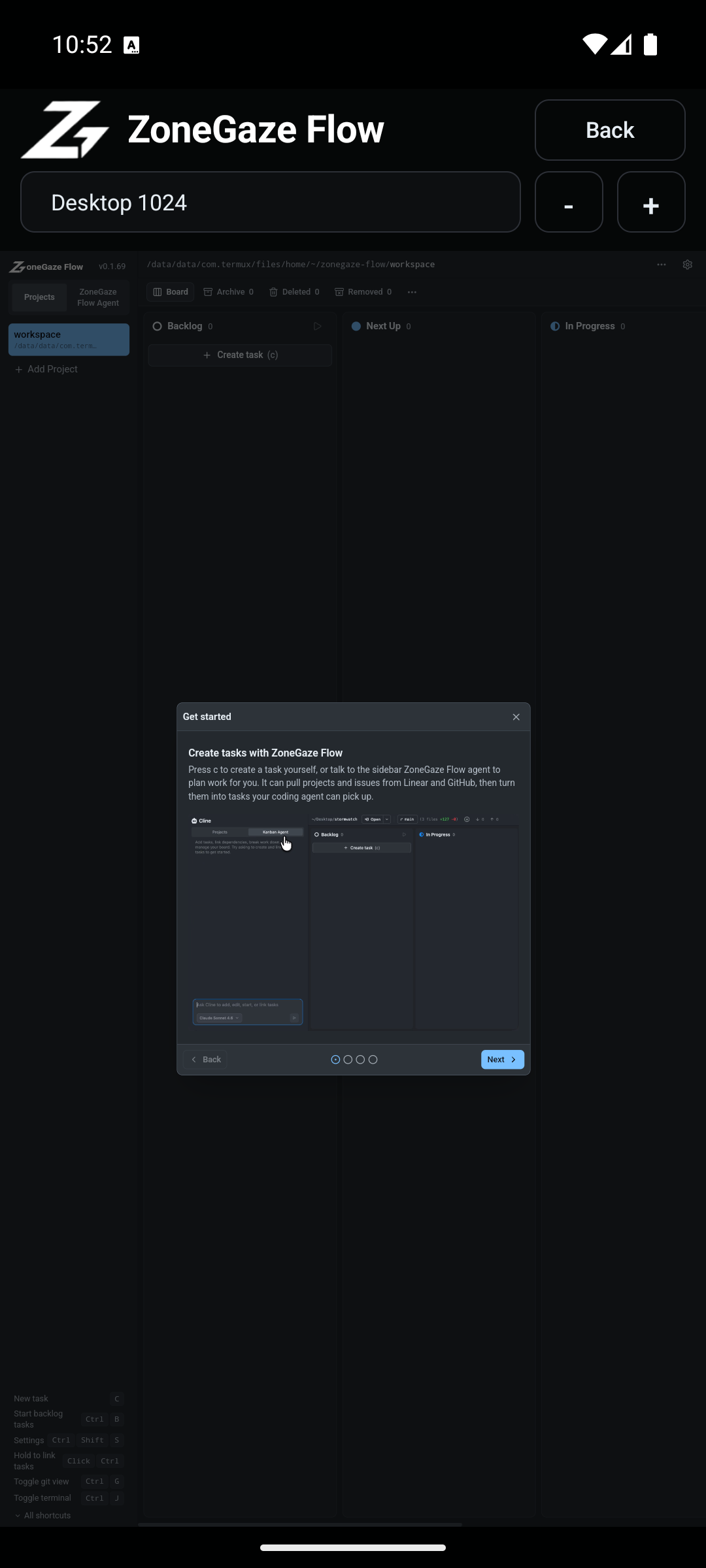
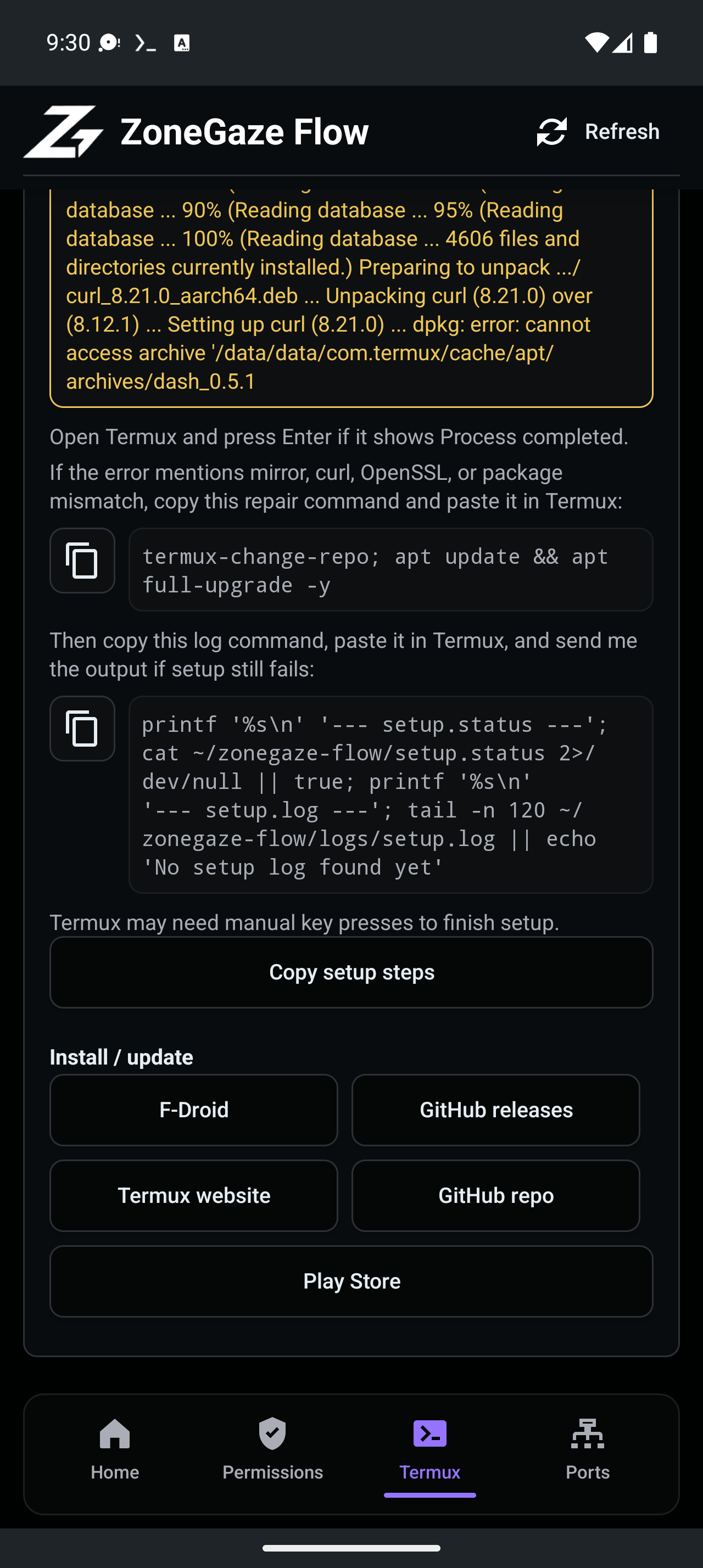
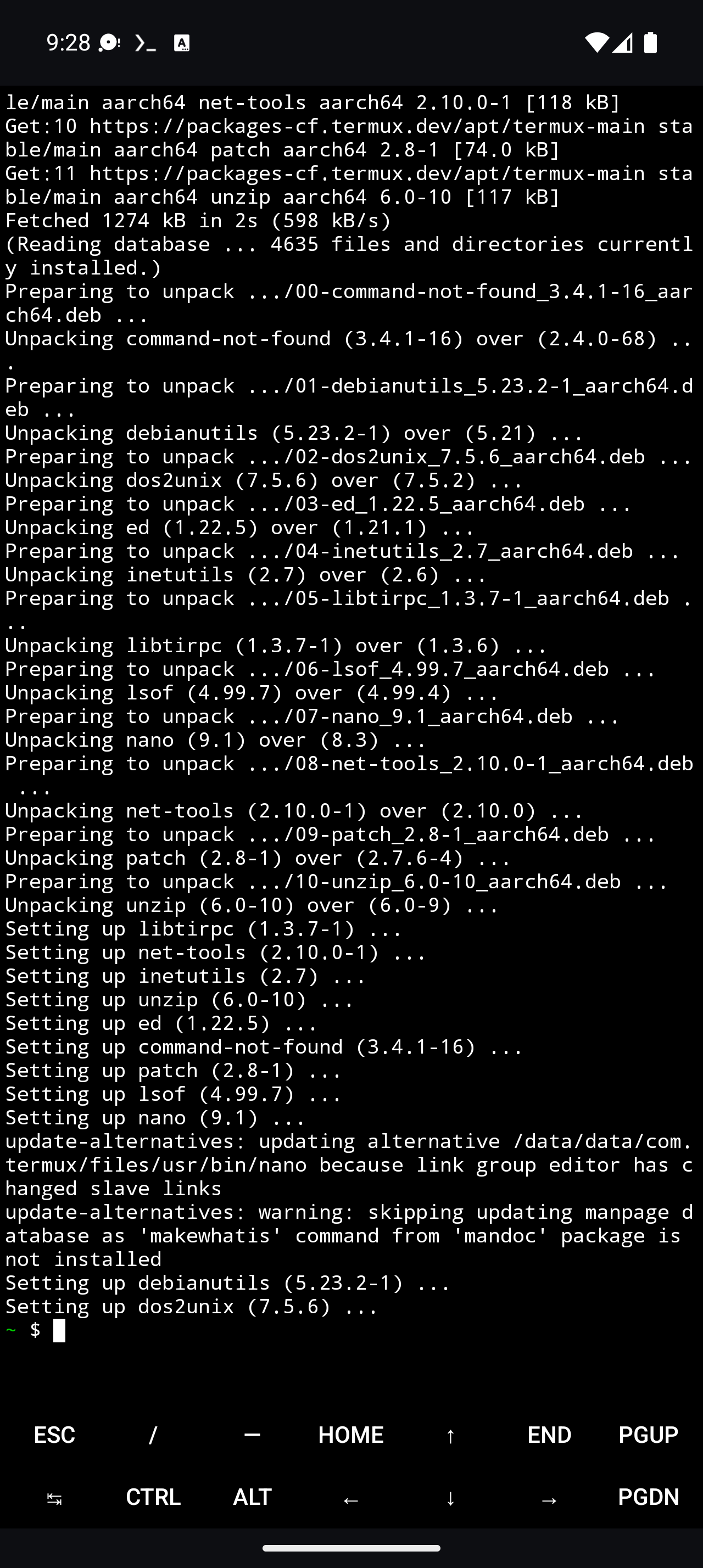
- Android captures show native setup, Termux readiness, permission state, runtime start, WebView board load, and setup failure context.
Use Media status when you need the evidence boundary for an asset before reusing it in product, support, roadmap, or sales copy.
Media Groups
| Group | Use It For | Main Assets |
|---|---|---|
| Web workflow | Explaining the first task loop and review surfaces | web-first-task-walkthrough.webm, web-board-overview.png, web-task-detail.png, web-git-history.png |
| Mac runtime | Explaining desktop launch and recovery | mac-launchpad-runtime.webm, mac-desktop-dashboard-current.png, mac-desktop-disconnected-current.png |
| Android setup | Explaining Termux, permissions, and setup readiness | android-termux-setup-app-next-steps.mp4, android-run-command-permission.png, android-termux-setup-complete.png |
| Android runtime | Explaining runtime start and WebView board evidence | android-termux-runtime-workflow.mp4, android-runtime-running.png, android-webview-board.png |
| Troubleshooting context | Explaining old setup failure and repair evidence | android-setup-package-failure.png, android-termux-repair-output.png |
Videos
Web First Task Walkthrough
Mac Launchpad Runtime
Android Termux Setup And Runtime
Web Screenshots
Mac Screenshots
Android Screenshots
Capture Notes
- Web screenshots and video were captured from the live local app at the canonical local route.
- Mac screenshots and video were captured from the built Electron shell and shipped desktop HTML assets.
- Android screenshots and video were captured from a connected Android 16 emulator using the native app dashboard, Termux setup flow, Start/Open controls, and the embedded WebView board.
How To Read The Gallery
- Treat Web assets as workflow evidence for task coordination, monitoring, and review.
- Treat Mac assets as desktop runtime and recovery evidence.
- Treat Android assets as captured preview evidence tied to the documented emulator, Termux, permission, setup, and WebView path.
- Treat setup failure images as troubleshooting context, not current runtime success evidence.
- Use captions and surrounding page copy so screenshots do not imply broader support or availability than they support.
Gallery Routes
- Media status explains what each group shows and what remains outside the capture.
- Platform notes explains when to use web, Mac, Android, or CLI.
- Troubleshooting uses the Android failure and repair captures in setup guidance.
Leave with a concrete next action.
Each doc page should end with a command, route, verification step, screenshot, or support packet users can act on.
Do not strand the reader.
Link to the next workflow page, install guide, troubleshooting, demos, downloads, or support depending on the page topic.