ZoneGaze Flow keeps human review close to agent execution. Use it to inspect changes before committing, opening a pull request, or marking work done. The product is fast, but the workflow stays accountable.
Review Gates
Treat review as a set of gates, not a single final glance. Before accepting work, confirm:
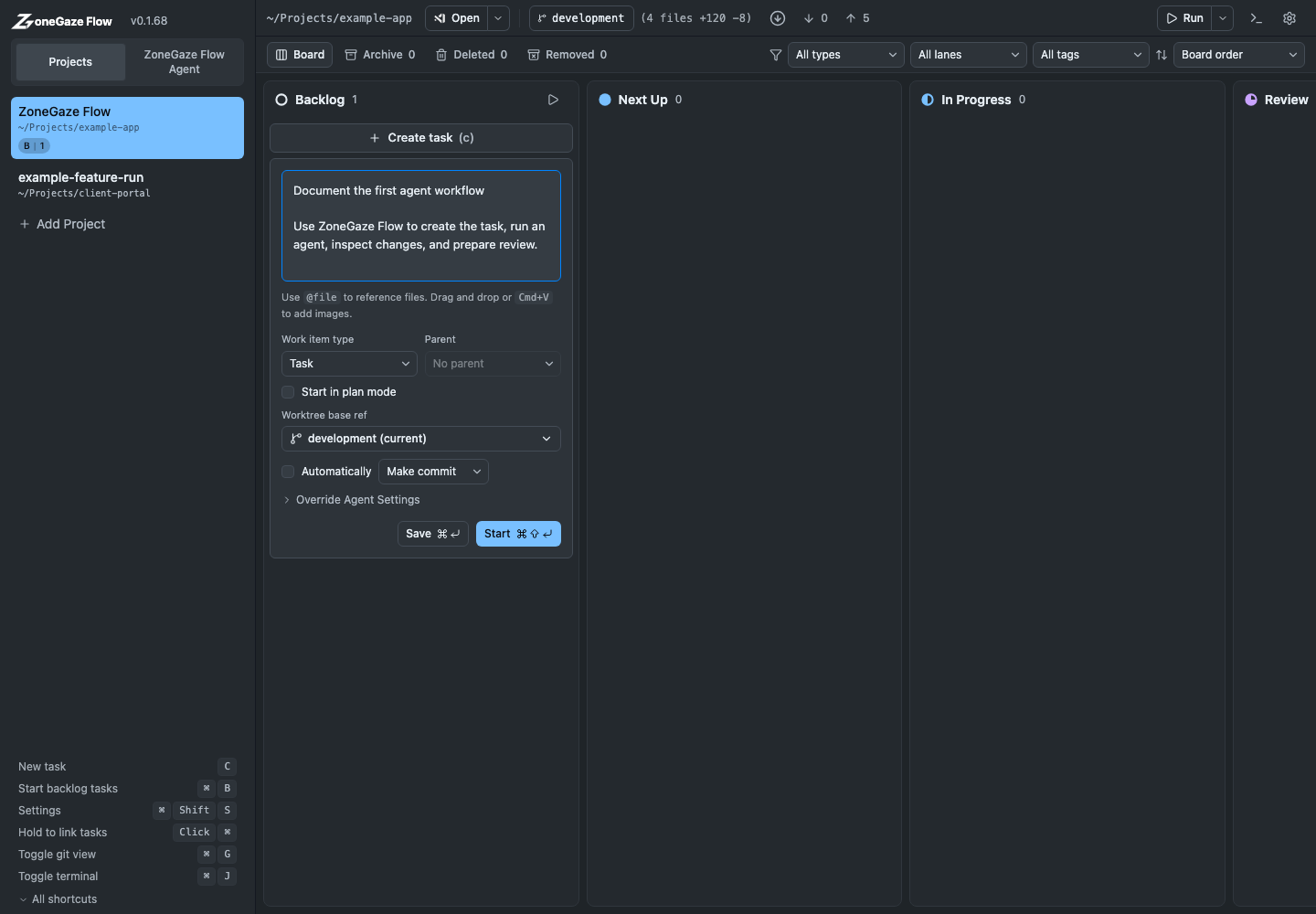
- the task card still describes the work that was actually done
- the agent output names the files, checks, risks, and follow-ups clearly
- terminal output belongs to the selected project and current task
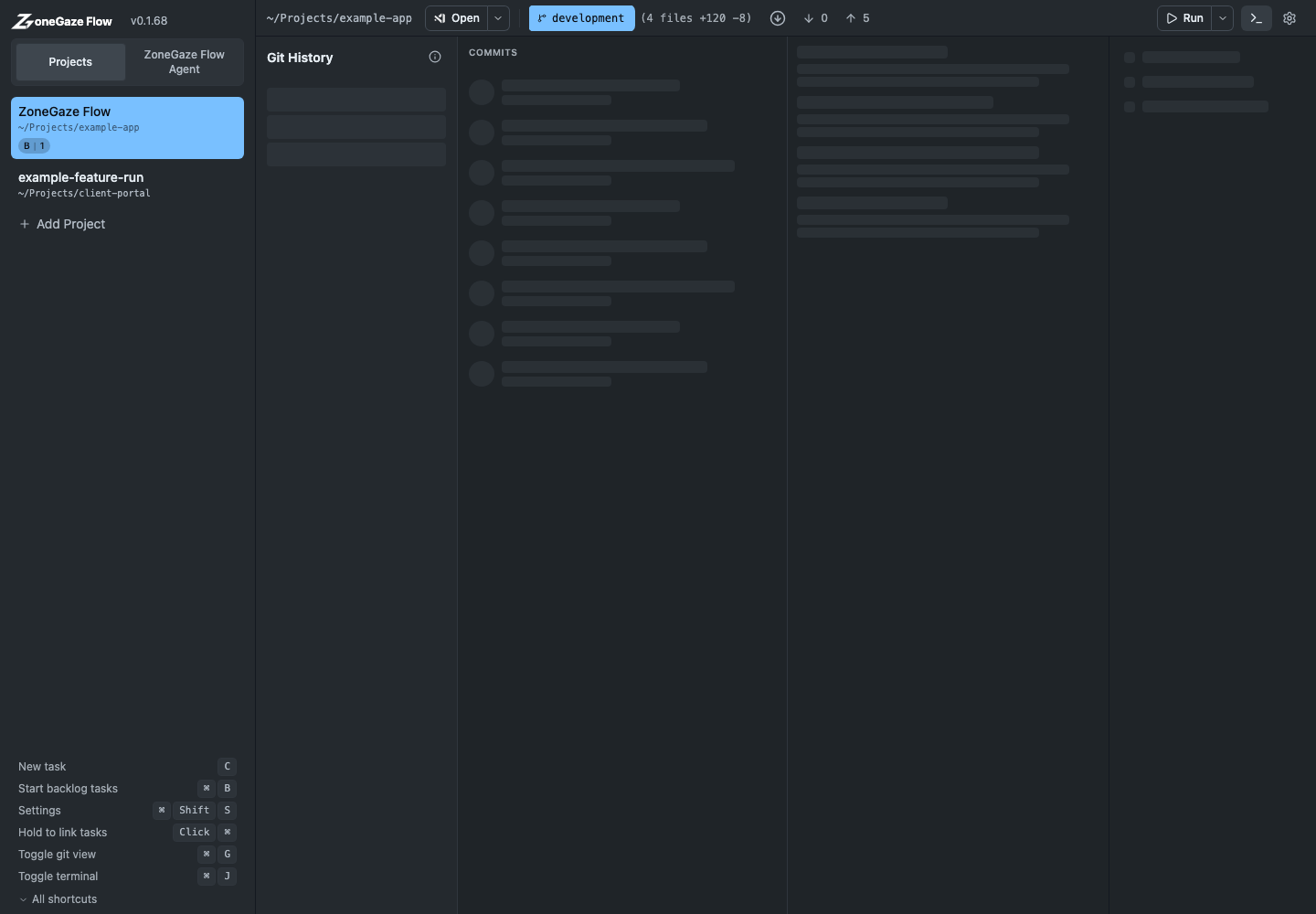
- Git state shows only expected changes
- browser-visible work has been checked in a browser when relevant
- skipped checks are explained before the card moves forward
Review The Task Output
Open the task card after the agent finishes or asks for review. Read the final response, warnings, terminal output, and changed-file summary.
Do not rely on the agent’s final message alone. Verify the actual files, commands, and risk notes.
Inspect Diffs
Use the task detail and Git views to inspect working-copy changes. Look for:
- files changed outside the task scope
- missing tests or validation
- generated files that do not match source changes
- private paths, tokens, or secrets
- formatting or build errors
- UI changes that need browser verification
Validation Evidence
Run the smallest check that proves the work, then broaden when the change has higher risk or wider reach.
Examples:
npm run docs:check
npm run web:typecheck
npm run web:test
Use the project’s own commands when they differ.
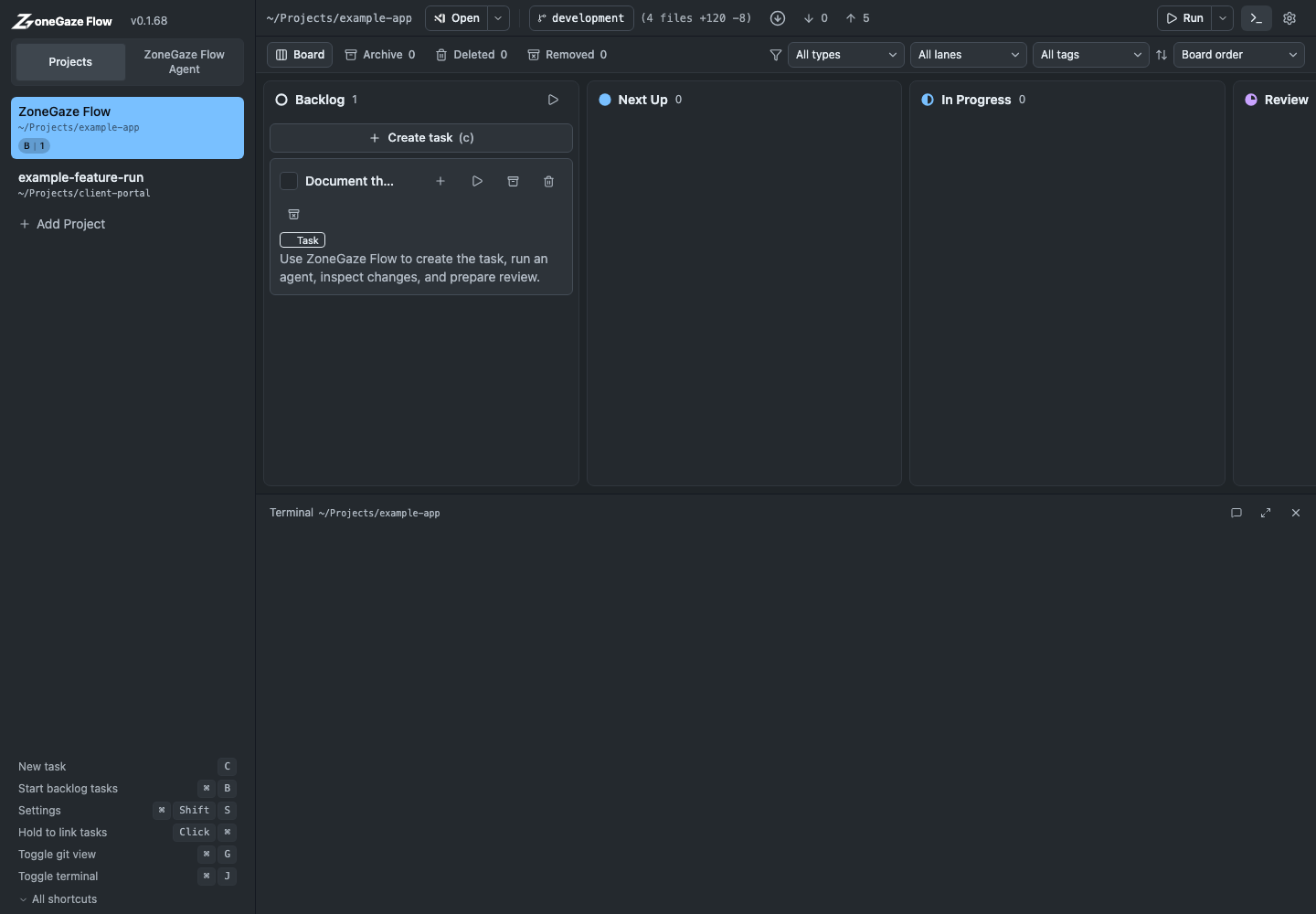
Good validation evidence names:
- the exact command, route, or manual check
- whether the check passed, failed, or was skipped
- the reason a skipped check was acceptable
- any browser viewport, platform, fixture, or dataset used
- any remaining risk that needs a follow-up task
If a command fails, keep the card active and use Troubleshooting or project-specific logs before shipping.
Shipping Boundary
Shipping is a human decision after review. ZoneGaze Flow makes work visible, but it does not replace repository policy, release policy, security review, or deployment approval.
Before you commit, open a pull request, or mark work done, decide whether the change is:
- ready to commit locally
- ready for a pull request
- blocked by missing validation
- too broad and should be split
- a follow-up that should return to the board
Commit
Commit only after you have inspected the change and local validation is acceptable. Keep the commit message specific to the task.
Pull Request
If your workflow uses pull requests, open a PR only after local validation. The PR should explain:
- what changed
- why it changed
- how it was verified
- any known limitations or skipped checks
Done And Archive
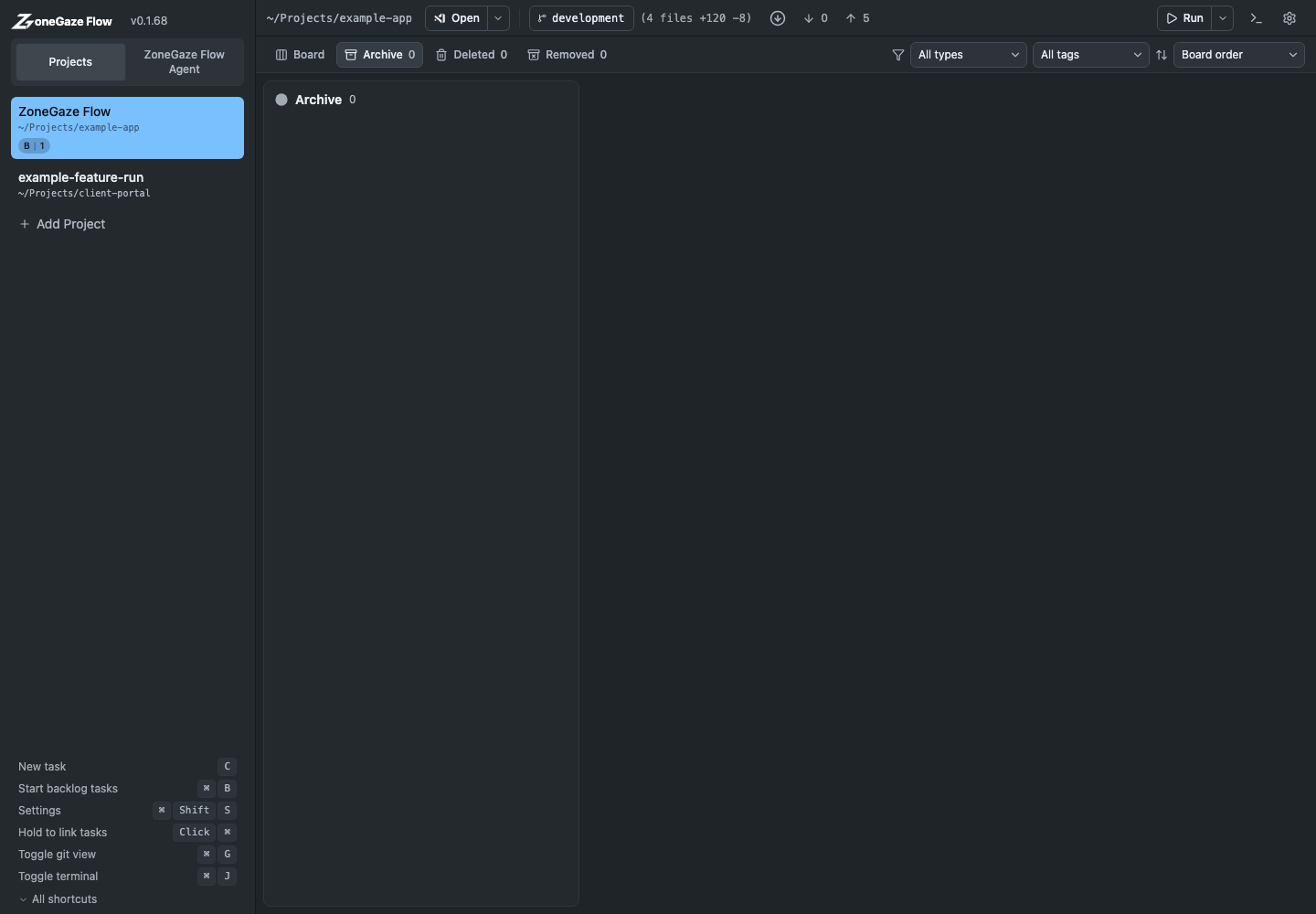
Move the card to Done when the work is complete and reviewed. Archive cards that no longer need to stay in the active board.
Done Or Follow-Up
Move work to Done only when:
- the scope is complete
- validation evidence is recorded
- Git state matches the expected result
- no unresolved blocker belongs on the same card
Create or keep a follow-up when the remaining work has a different owner, risk, platform, or proof requirement.
Archive Criteria
Archive only after active review value is gone. Good archive candidates include completed cards with committed work, duplicate cards that were merged into another item, and stale cards whose context was moved to a newer task.
Keep the card visible when it still contains the only record of skipped checks, open risk, release notes, or user-facing follow-up work.
Review Checklist
- Task scope matched the request.
- Diff contains no unrelated changes.
- Secrets and private paths are absent.
- Local validation ran or skipped checks are explained.
- Browser-visible changes were checked in a browser.
- Generated docs or assets were refreshed when needed.
- The card state matches the real Git state.
Next Steps
- Review the full task lifecycle in Core workflow.
- Troubleshoot blocked launch, terminal, project, or Git state in Troubleshooting.
- Route unresolved setup or website questions through Support.
Leave with a concrete next action.
Each doc page should end with a command, route, verification step, screenshot, or support packet users can act on.
Do not strand the reader.
Link to the next workflow page, install guide, troubleshooting, demos, downloads, or support depending on the page topic.